JPG for the website that rejected your photo. PDF for the form. Text pulled straight out of a receipt. Pick your photos, pick a format, tap Convert — hundreds at a time, entirely offline on your iPhone.

Not just HEIC to JPG — the whole pipeline from camera roll to shareable file.

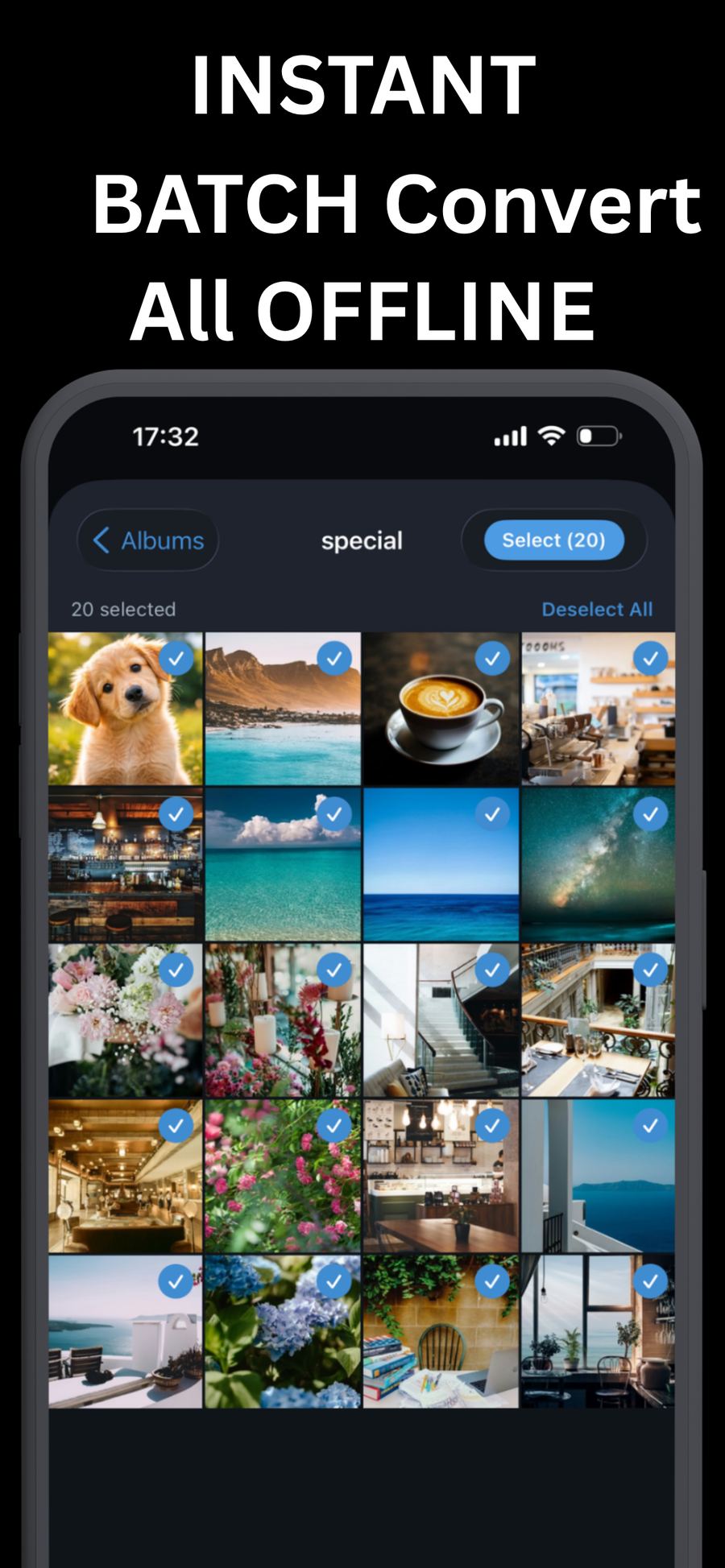
Select whole albums and convert hundreds at once

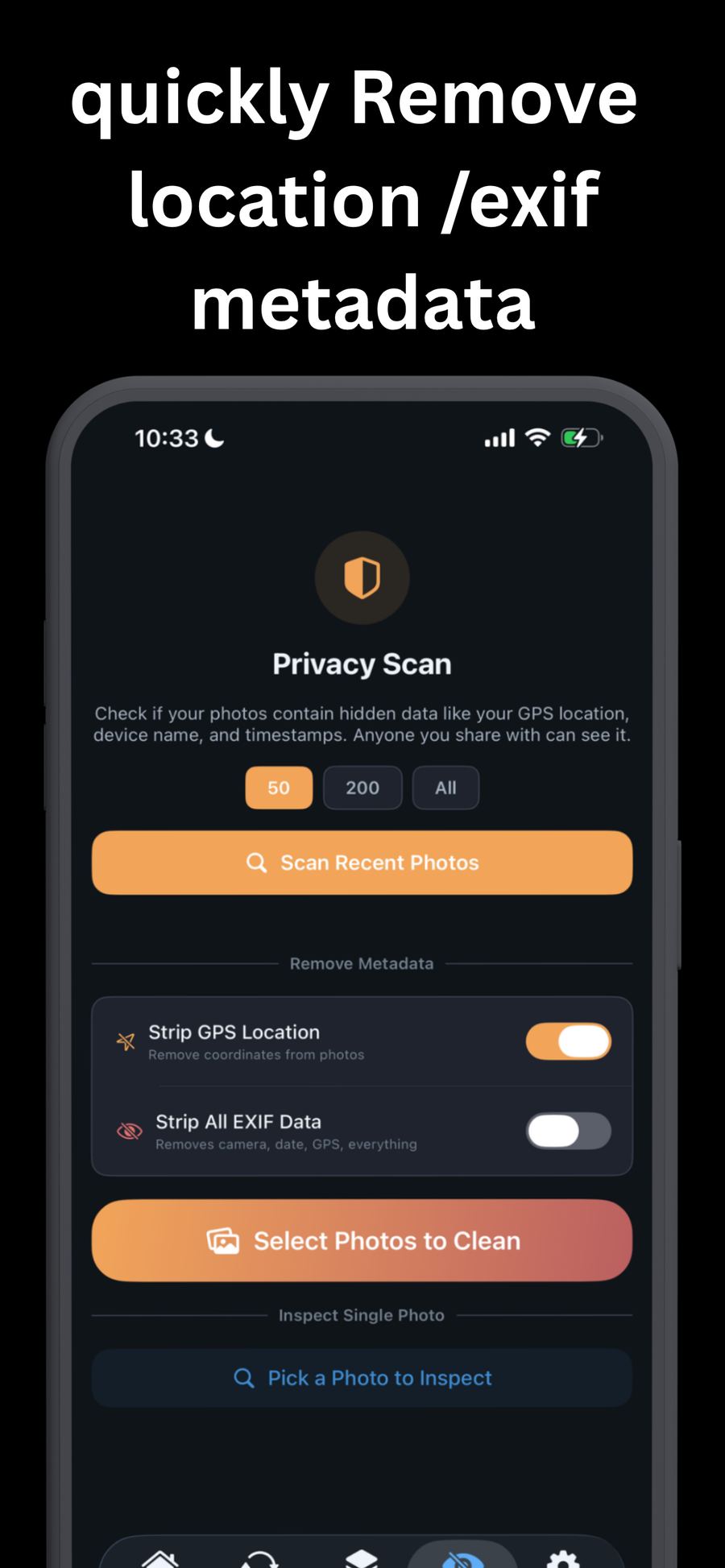
Scan for hidden data, strip GPS and EXIF

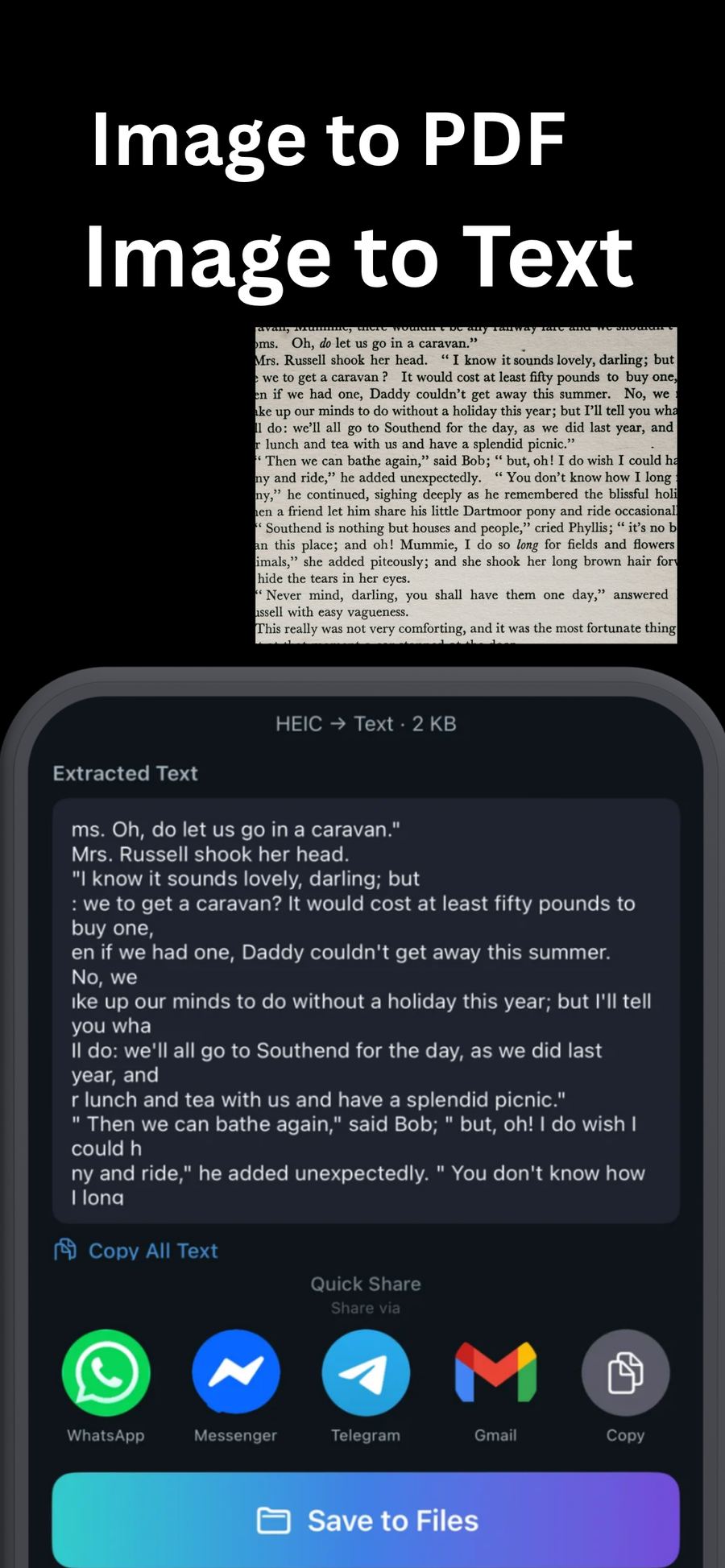
Extract text from photos, receipts and screenshots

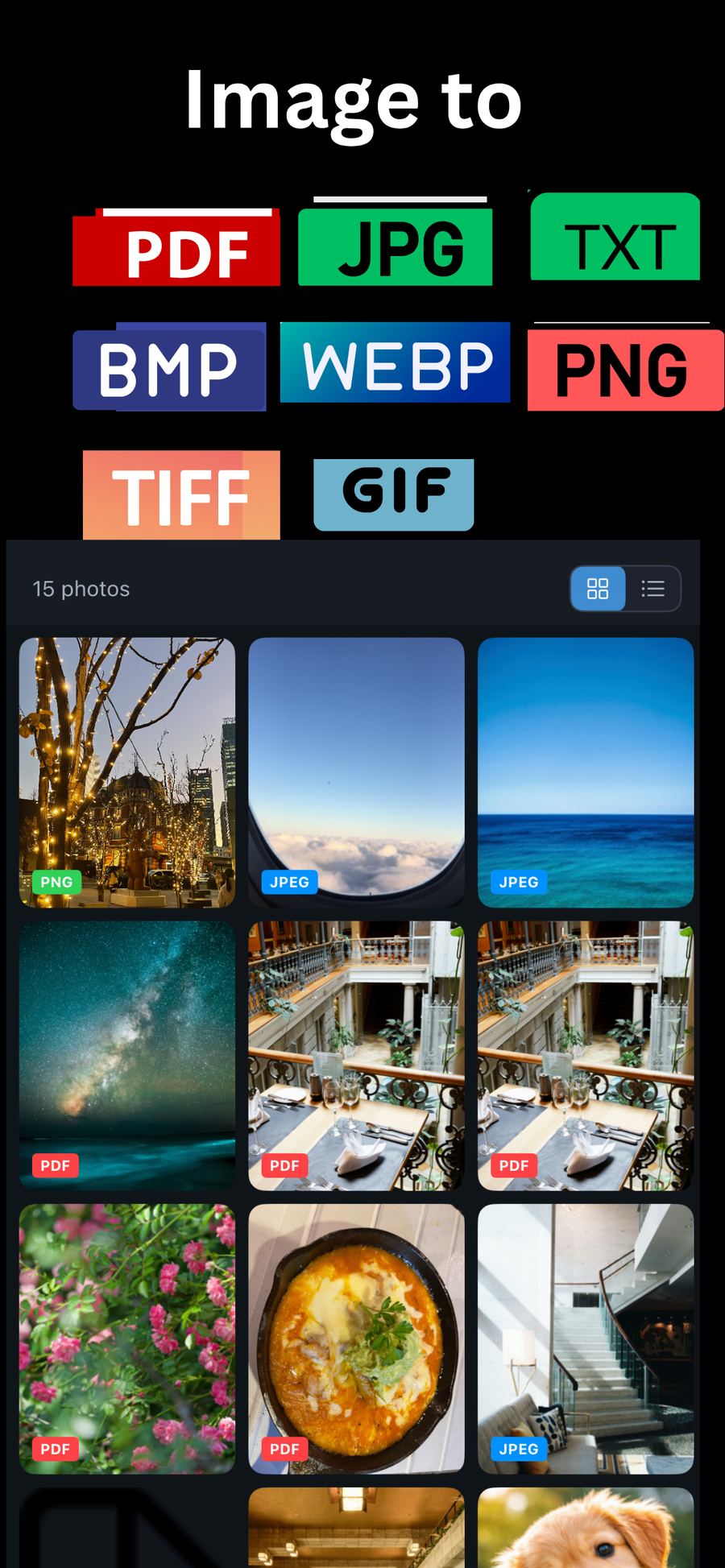
JPEG, PNG, WebP, TIFF, BMP, GIF, PDF — plus plain text extracted from the image. Whatever a website, client, or printer demands, you can produce it from the photos already on your phone.

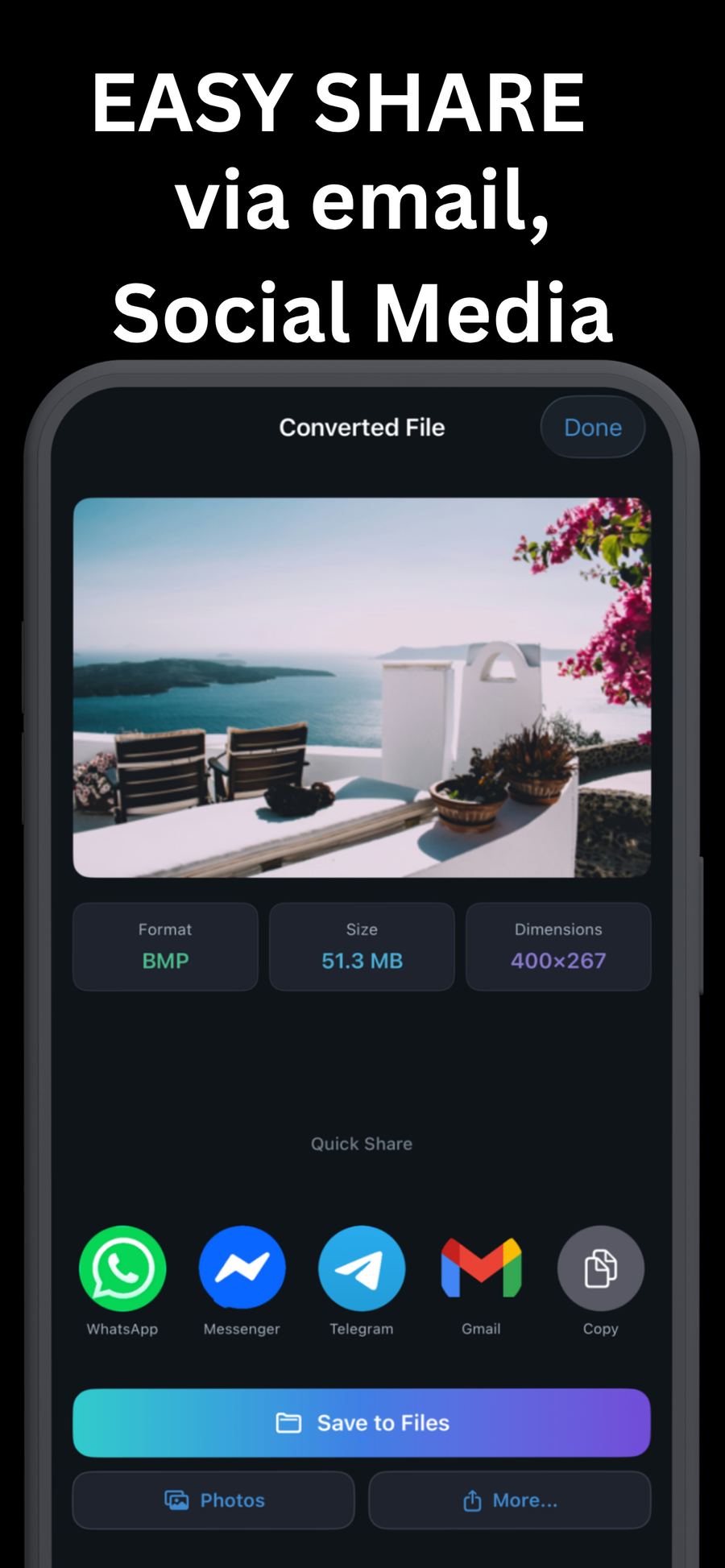
Save to Photos, Files, or a Google Drive folder you choose — or share directly by AirDrop, email, and chat apps. Strip GPS and EXIF metadata on the way so the file carries your picture, not your location.
Four taps between a HEIC and the file you actually need.
Pick individual photos, a whole album, a date range — or let the HEIC auto-scan find every convertible photo in your library.
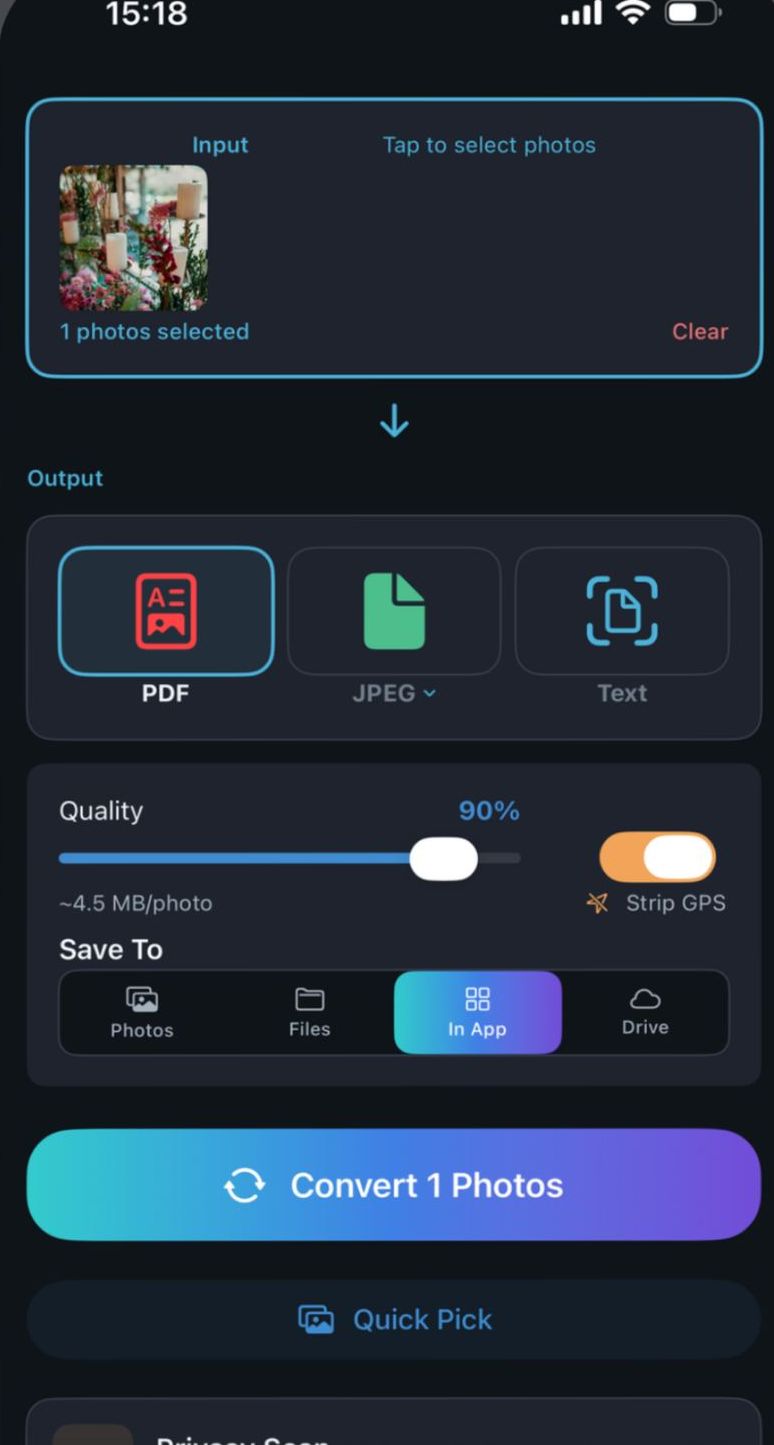
JPEG, PNG, WebP, TIFF, BMP, GIF, PDF, or Text. Set quality, and flip on Strip GPS if the file is leaving your hands.
Tap Convert. Files land in Photos, Files, Google Drive, or stay in the app — ready to AirDrop, email, or message.
Free tier covers daily use. Premium removes limits and ads, with a 3-day trial.
Photos in, format chosen, done — no settings maze.
Albums, date ranges, or a full-library HEIC scan at once.
Turn one photo or a whole set into a PDF.
Pull editable text out of receipts, documents, screenshots.
Remove location, device, and timestamp data before sharing.
Audit your last 50, 200, or all photos for hidden metadata.
Every conversion runs on-device. Nothing is uploaded.
Photos, Files, Google Drive folders, AirDrop, email, chat.
Practical answers to the questions people actually search for.
The fastest route from Apple's format to the one everything accepts.
Read the guide →Whole albums and hundreds of photos in one run — no one-at-a-time.
Read the guide →What your photos secretly carry, and how to strip it before sharing.
Read the guide →From camera roll to a clean PDF for forms, records and email.
Read the guide →The format explained in plain language, plus when to convert.
Read the guide →Receipts, documents and screenshots into copyable text.
Read the guide →Which format for the web, for print, and for editing — with trade-offs.
Read the guide →Fix HEIC compatibility for Windows, Android and email once and for all.
Read the guide →Open the app, select your photos, choose JPEG as the output format, and tap Convert. The converted copies save to Photos, Files, Google Drive, or stay in the app — originals are untouched. Learn more →
Yes. Select an entire album, scan your library for all HEIC photos automatically, or pick a date range, then convert hundreds in one batch. Learn more →
Turn on Strip GPS Location (or Strip All EXIF Data) before converting, or run a Privacy Scan on your recent photos to see which ones carry hidden location, device, and timestamp data. Learn more →
Yes. Select one or more photos, choose PDF as the output, and tap Convert. It works with HEIC, JPG, PNG, and the other supported input formats. Learn more →
HEIC is the container Apple uses for photos in the HEIF standard — about half the file size of JPEG at similar quality, but not universally supported. That gap is why conversion exists. Learn more →
Yes. Choose Text as the output format and the app extracts the text it recognizes in the image. Copy it or save it as a file. Learn more →
JPEG, PNG, WebP, TIFF, BMP, GIF, PDF, and plain text extracted from the image. Learn more →
Recent iPhones shoot HEIC by default, and Windows often cannot open it without extra codecs. Converting to JPEG before sending makes photos open everywhere. Learn more →
No. Every conversion runs on your device. No uploads, no servers, no account required.
The free tier converts up to 10 photos per day, with PDF and text recognition available 3 times each per day. Premium removes the limits and ads, starting with a 3-day free trial.
Free to start — convert your first batch in under a minute.
Download on the App Store