 Video To MP4
Convert any video to MP4 in seconds
MOV, MKV, AVI, WEBM, HEVC — turn them all into MP4 that plays everywhere. Compress for messaging, trim, extract audio, make GIFs. All on your device, never uploaded.
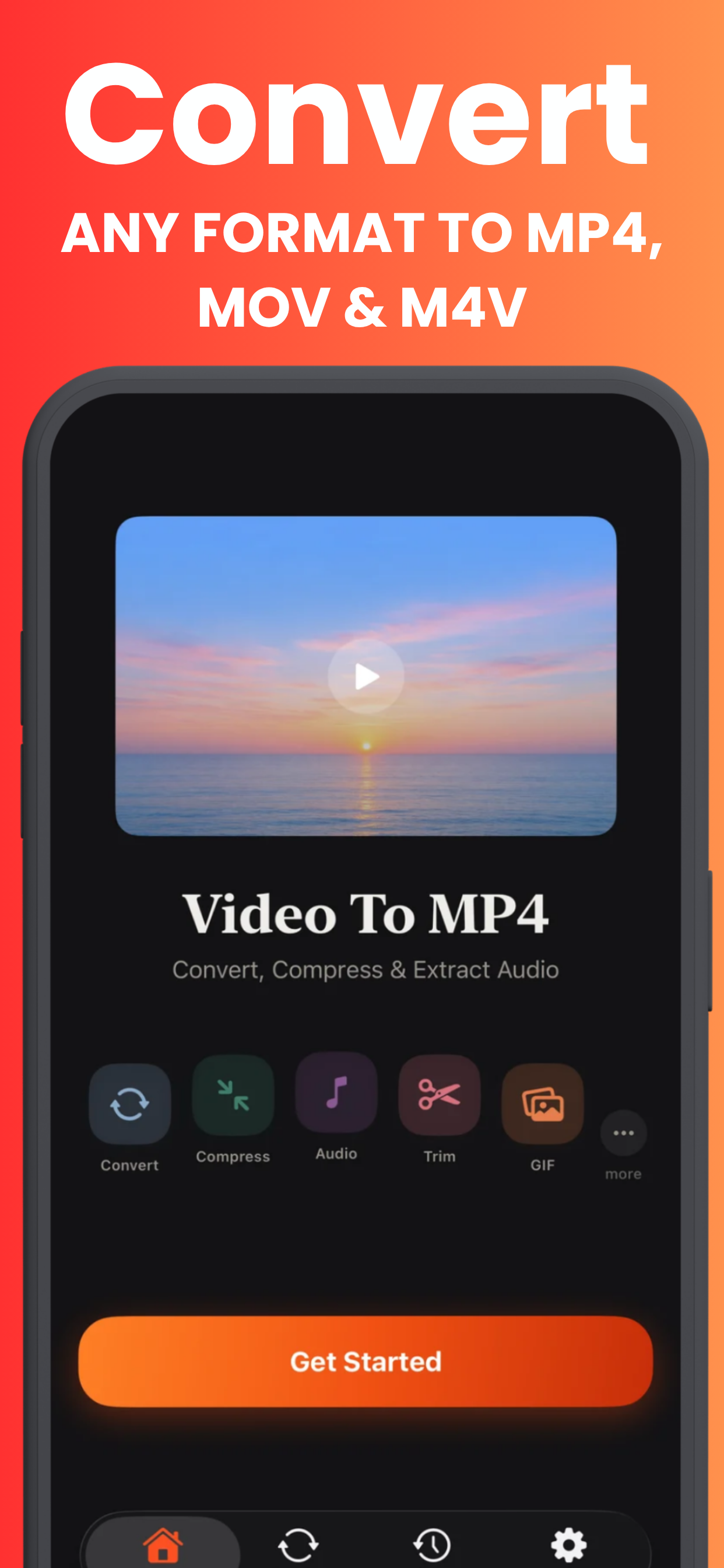
Every video tool in one place
Convert, compress, capture — without ever leaving your phone.
Made for the moments videos get stuck
"File too large." "Format not supported." Fixed, in seconds.

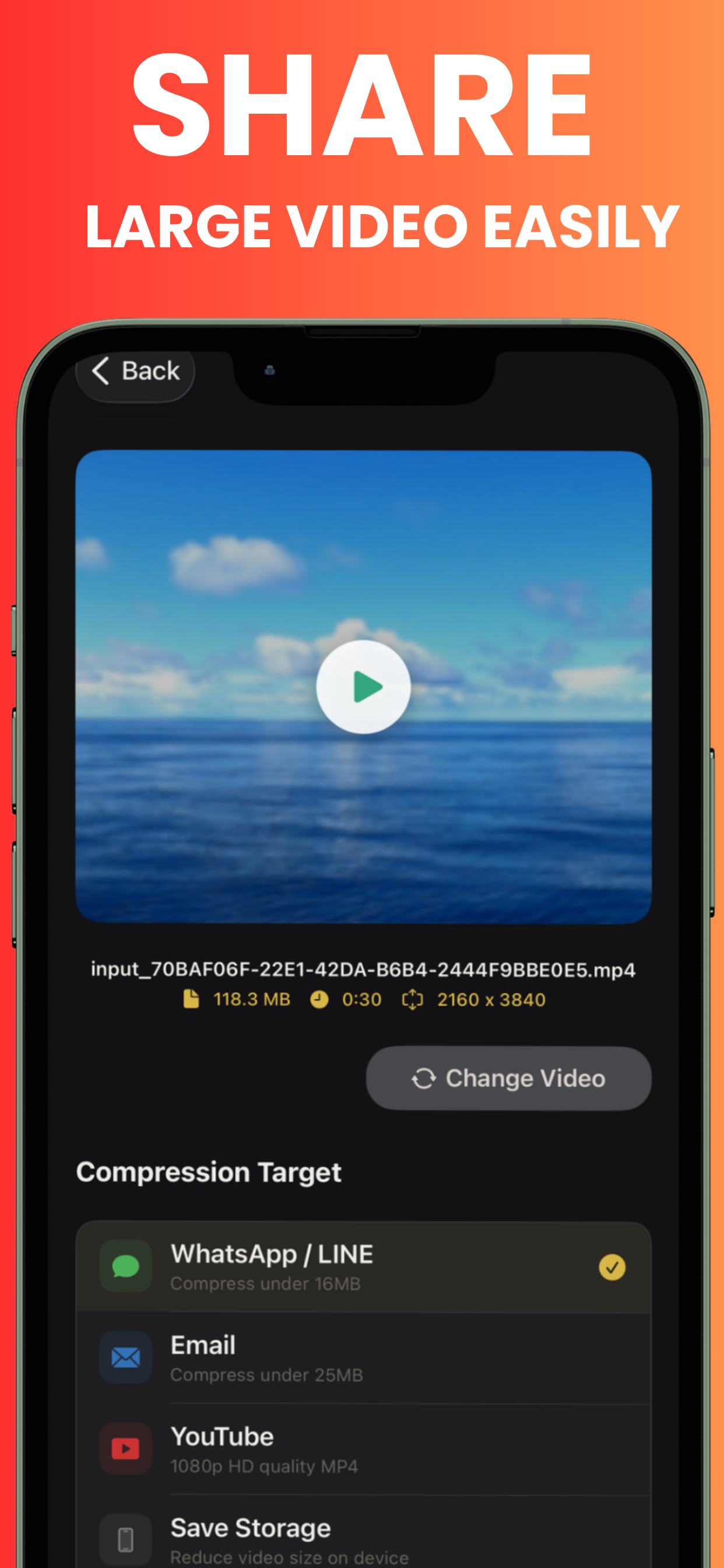
Send any video, anywhere
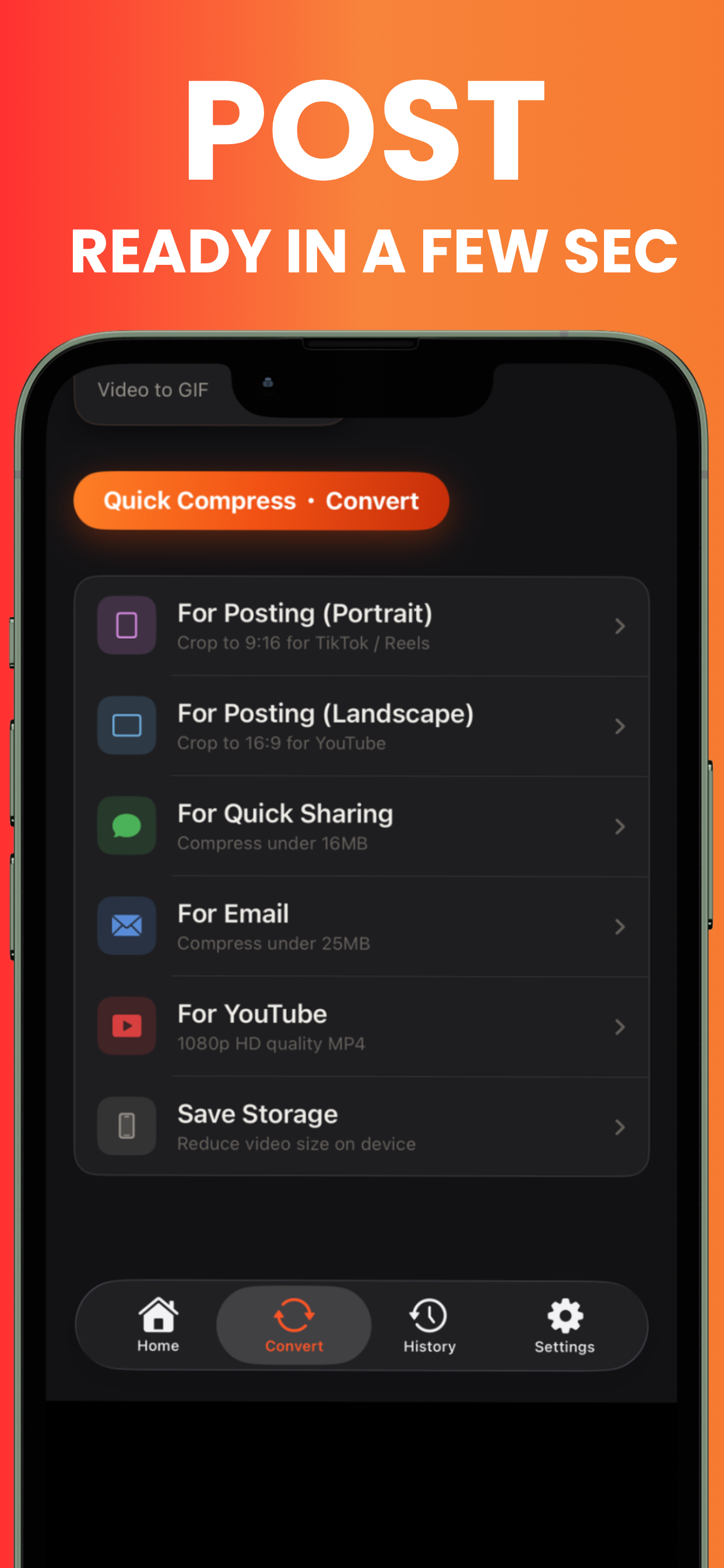
That 300 MB clip bounces from every chat app — until you compress it. One tap targets under 16 MB for messaging, under 25 MB for email, or crisp 1080p for uploads. The moment stays; the megabytes go.
How to compress a video on iPhone →
Keep only the moment that matters
Drag the handles, preview the range, cut. The 10-minute recording becomes the 8 perfect seconds — and the file shrinks with it.
How to trim a video on iPhone →Three taps from stuck to playable
No settings maze, no watermarks, no uploads.
Pick your video
From your photo library or the Files app — MOV, MKV, AVI, WEBM, WMV, FLV, HEVC all welcome.
Choose the tool
Convert to MP4, compress to a target size, trim, extract audio, grab frames, or make a GIF.
Save & share
Processing happens on your device in seconds. Save to Photos or share straight to any app.
The all-in-one video toolkit
Eight tools, one 12 MB app, zero cloud.
Convert any format
MOV, MKV, AVI, WEBM, WMV, FLV, HEVC → universally compatible MP4, with resolution and quality control.
Smart compress
Presets for messaging (16 MB), email (25 MB) and streaming (1080p) — or set any custom target size.
Extract audio
Pull the soundtrack from any video — music, lectures, voiceovers, podcast clips.
Trim & cut
Precision timeline editing. Keep the moment, drop the rest.
Batch convert
Select multiple videos and convert them all at once.
Frames to photos
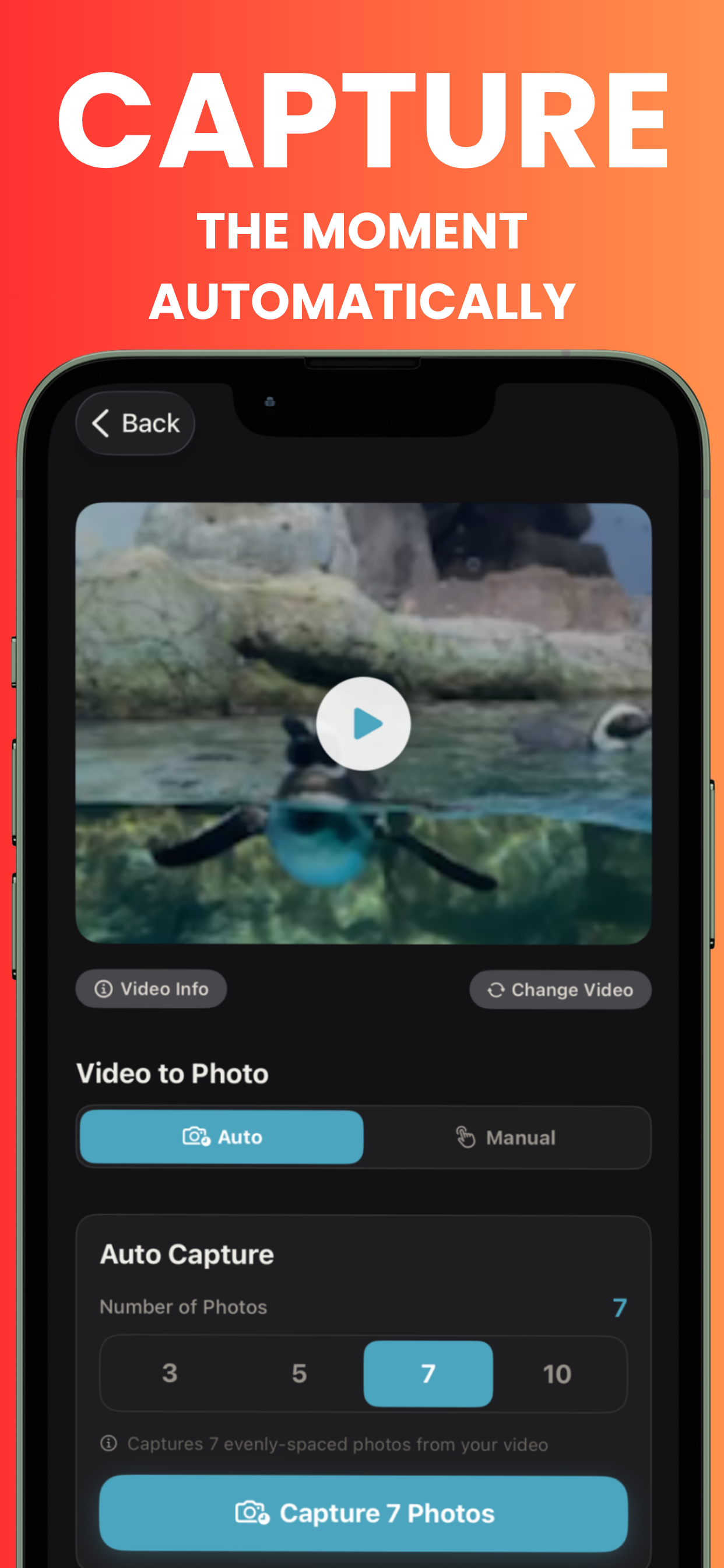
Grab any single frame as a high-quality image — auto-capture or pick manually.
Video to GIF
Turn clips into animated GIFs for reactions, how-tos and social posts.
Private by design
Everything processes locally. No servers, no uploads, no trace after uninstall.
Step-by-step answers
The video questions people actually search — solved.
Frequently asked questions
Quick answers — each with a full guide if you want the details.
How do I convert a video to MP4 on iPhone?
Can it convert MKV, AVI or WEBM files?
How do I compress a video for messaging?
Are my videos uploaded anywhere?
Can I extract audio from a video?
Is the app free?
Fix every video problem today
Convert, compress, trim and share — private, on-device, and free to start.
Download Free on the App Store