 Mobile Document Scanner
Scan any document to PDF instantly
Turn your iPhone into a pocket scanner. Capture documents, receipts and IDs with automatic edge detection, extract text with OCR, then sign, merge or compress — all offline.
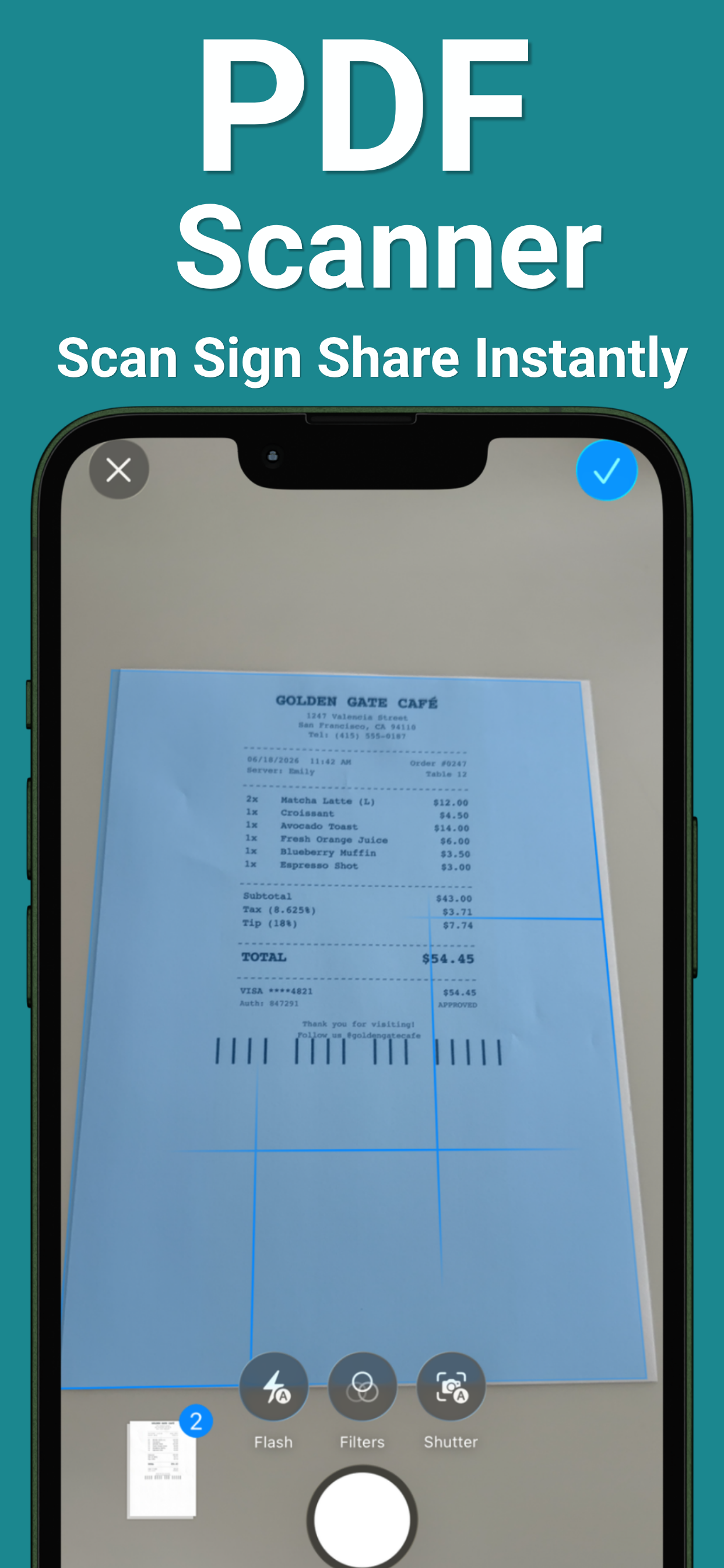
Point. Scan. Done.
Professional-quality scans without the bulky hardware.
Real paper, real results
From crumpled receipts to signed contracts — here's what it looks like in the wild.
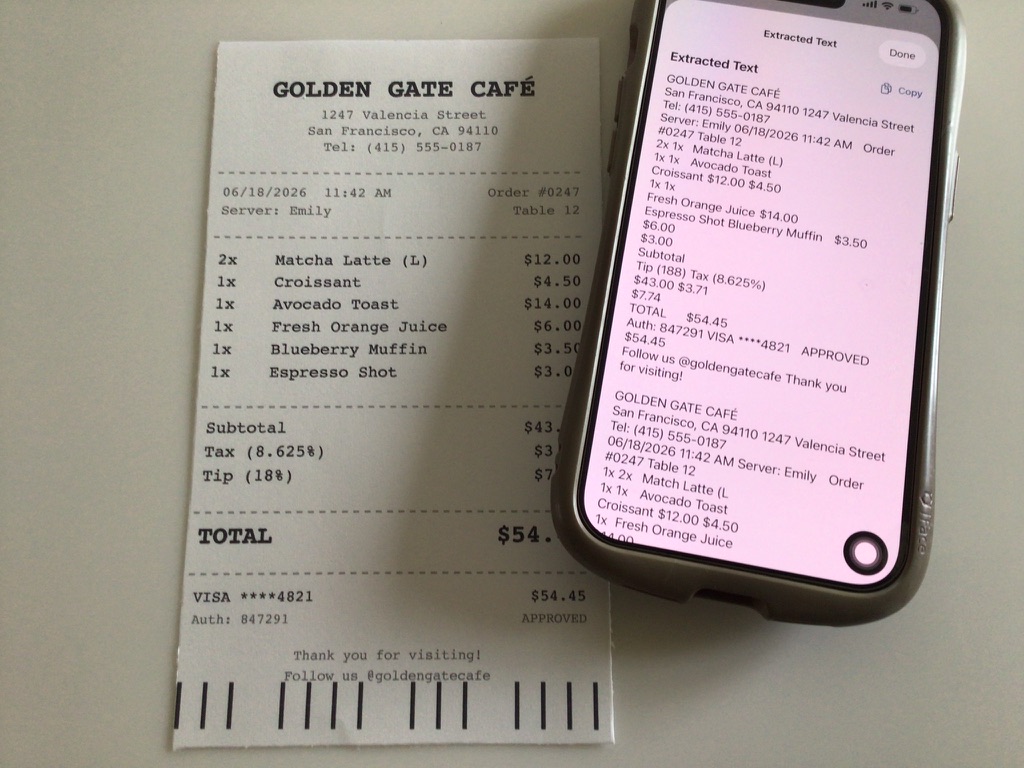
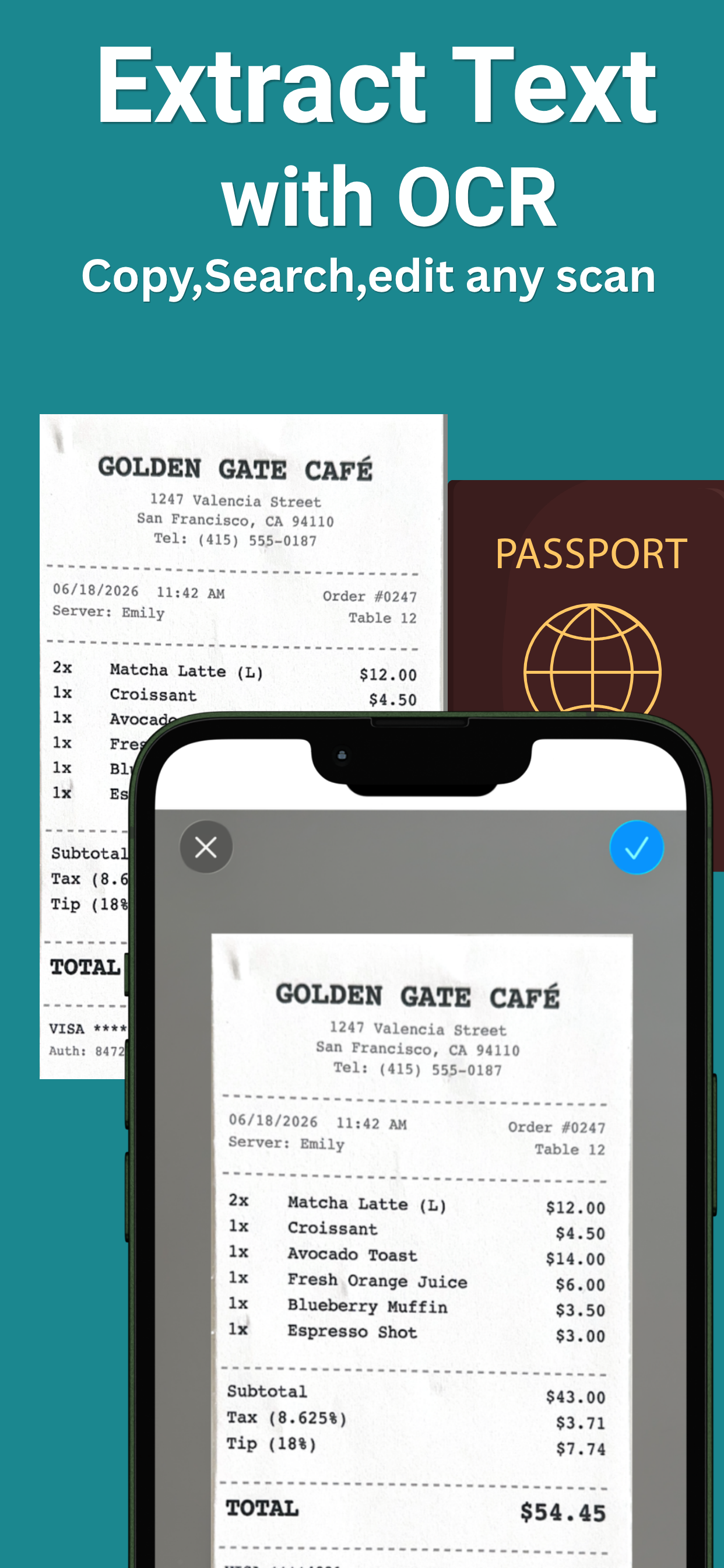
Every word on the page, copied in one tap
Scan a receipt and the text comes out the other side — merchant, items, totals — ready to paste into a spreadsheet or expense report. No retyping, no squinting at faded thermal paper.
How to extract text from a picture →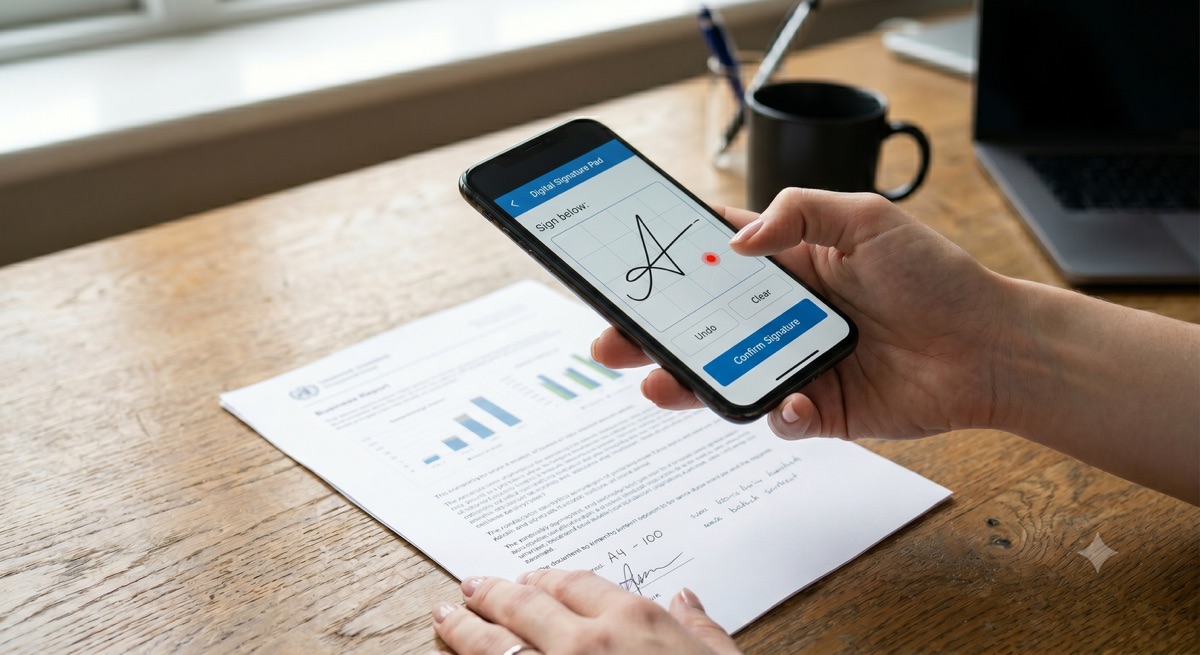
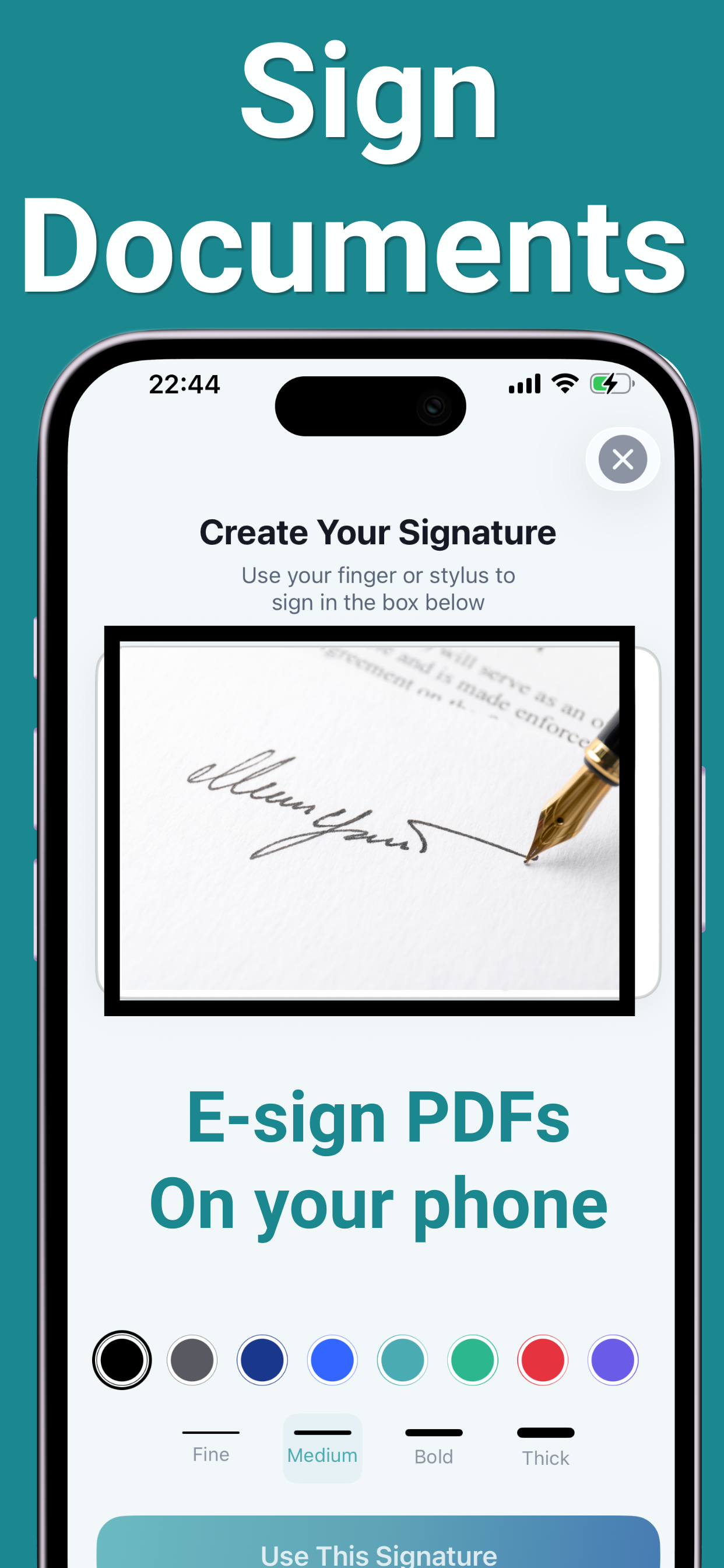
Sign and send back — no printer required
Draw your signature once, reuse it forever. Contracts, school forms, rental agreements: signed on your phone and back in their inbox in under a minute.
How to sign a PDF on iPhone →From paper to polished PDF in three steps
No manual, no setup — point and scan.
Point your camera
Hold your iPhone over any document. Edge detection finds the page and corrects the perspective automatically.
Scan & refine
Capture one page or a whole batch. Apply filters for cleaner scans, then let OCR extract the text or AI summarize it.
Sign, edit & share
Sign documents, merge or compress PDFs, add watermarks — then share anywhere or back up as a ZIP.
One app for every document job
Scanner, OCR, PDF editor and signing tool — in a 13 MB app that works offline.
Smart document scanning
Crystal-clear scans with automatic edge detection and perspective correction, every time.
Receipt scanner
OCR pulls out the merchant, date, total and line items — perfect for expenses and tax season.
ID & passport scanner
Precision scanning optimized for IDs, passports and driver's licenses.
OCR text extraction
Turn any scan or photo into editable text. Copy, paste, reuse — no more retyping.
AI summaries
Instant, intelligent summaries of scanned documents. Let AI do the heavy reading.
Document signing
Create and save multiple signatures. Sign any PDF right on your device.
Full PDF editor
Merge, split, compress, rearrange, rotate, watermark — a complete PDF toolkit in your pocket.
Batch scanning
Capture page after page and save everything as one organized multi-page PDF.
Step-by-step answers
The document questions people actually ask — solved.
Frequently asked questions
Quick answers — each with a full guide if you want the details.
How do I scan a document to PDF on iPhone?
Can I scan multiple pages into one PDF?
How do I extract text from a picture?
Does it work offline?
Can I sign a PDF on my iPhone?
Is the app free?
Go paperless today
Everything you need to scan, sign and share documents — right from your pocket.
Download Free on the App Store