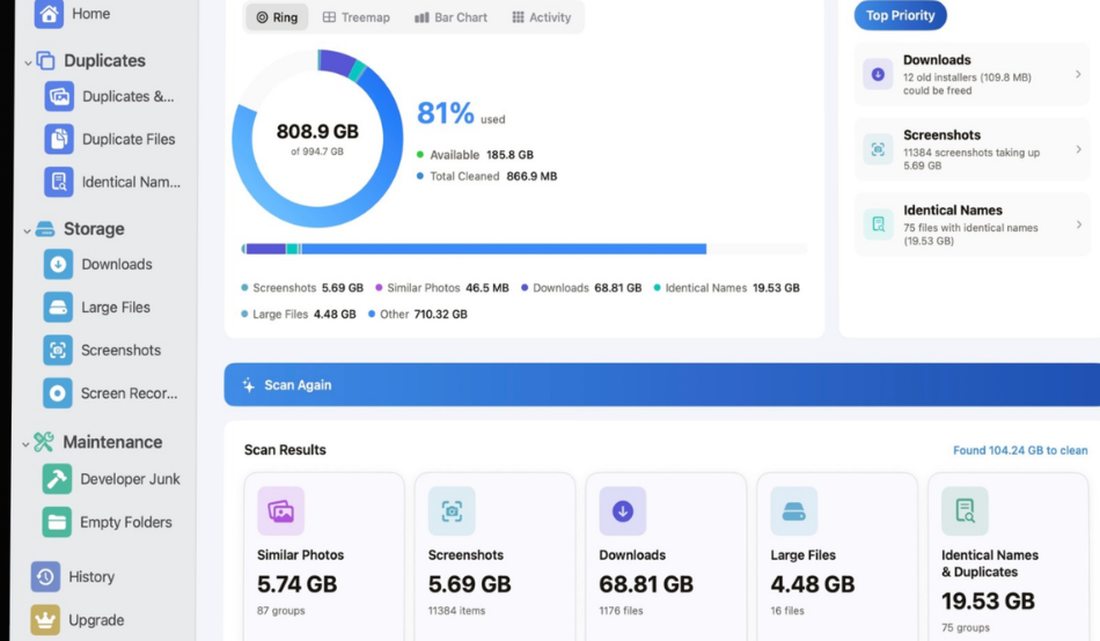
Clear Storage scans your Mac and shows the truth in four interactive views — then finds the duplicates, old downloads, forgotten files and developer junk you can safely clean up. Everything runs on your device.
One scan across your Photos library and folders — results grouped so you always review before removing.


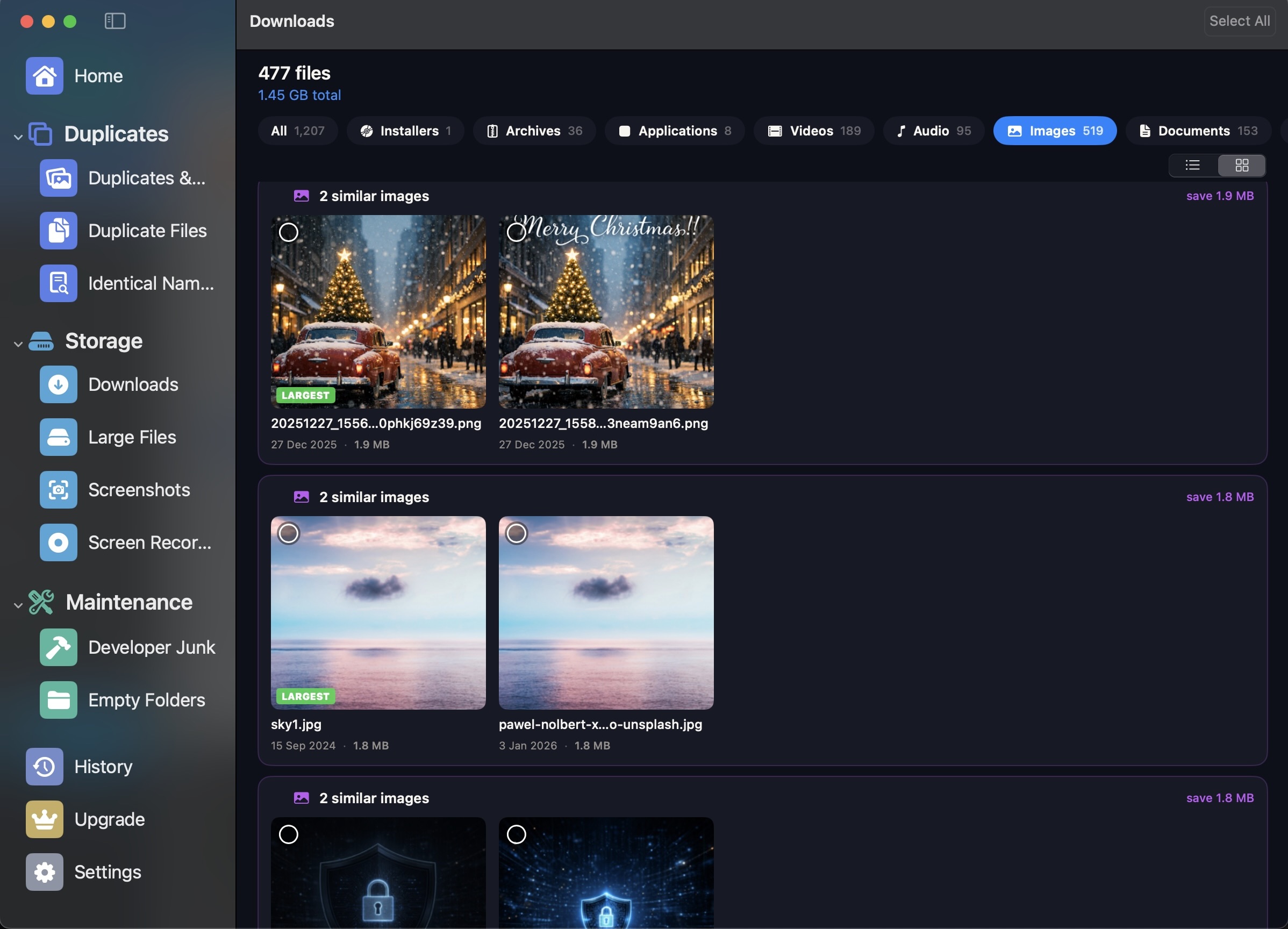
Nothing is deleted behind your back. Scan results are grouped by category — duplicates, downloads, screenshots, large files, old files, developer junk, empty folders — with file names, sizes and dates visible, so you decide exactly what to remove and what to keep.

Every cleanup session is logged. The history shows how much space you've reclaimed over time, and a menu bar icon keeps your current disk usage visible at all times — so a filling disk never sneaks up on you again.
One tap scans your Photos library and the folders you choose. All analysis runs on your Mac — nothing is uploaded.
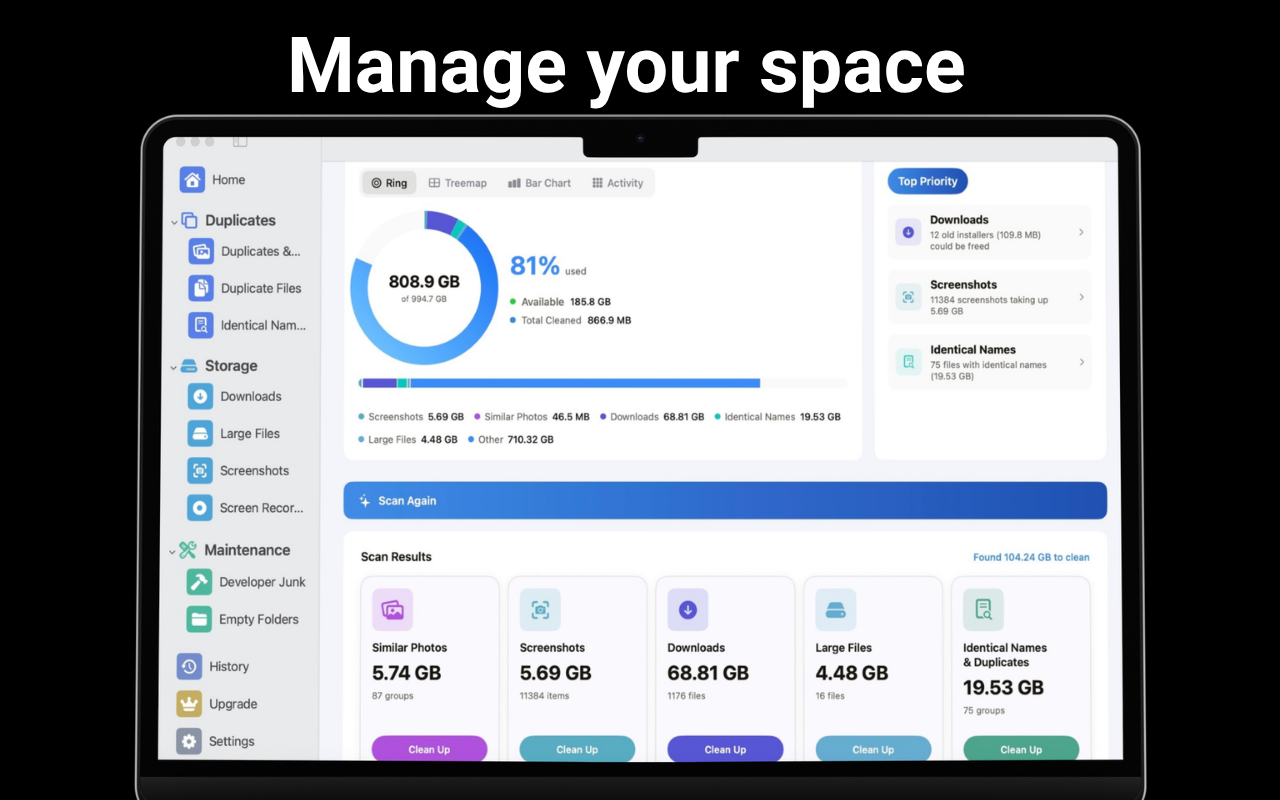
Results arrive grouped by category with sizes and dates. The visualizer shows your storage as a ring chart, treemap, bar chart or heatmap.
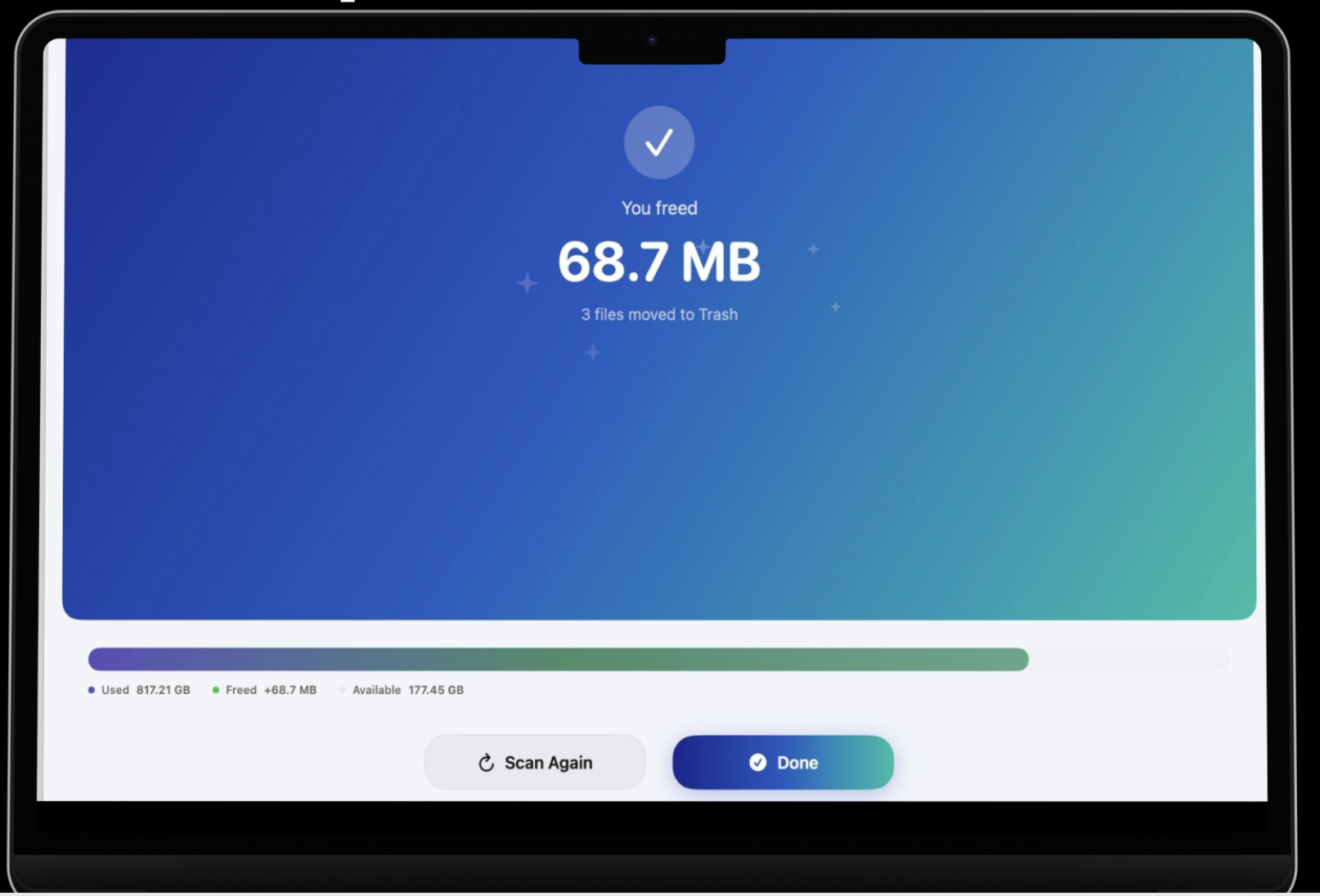
Remove what you've selected, watch the freed space add up, and track your progress in the built-in history.
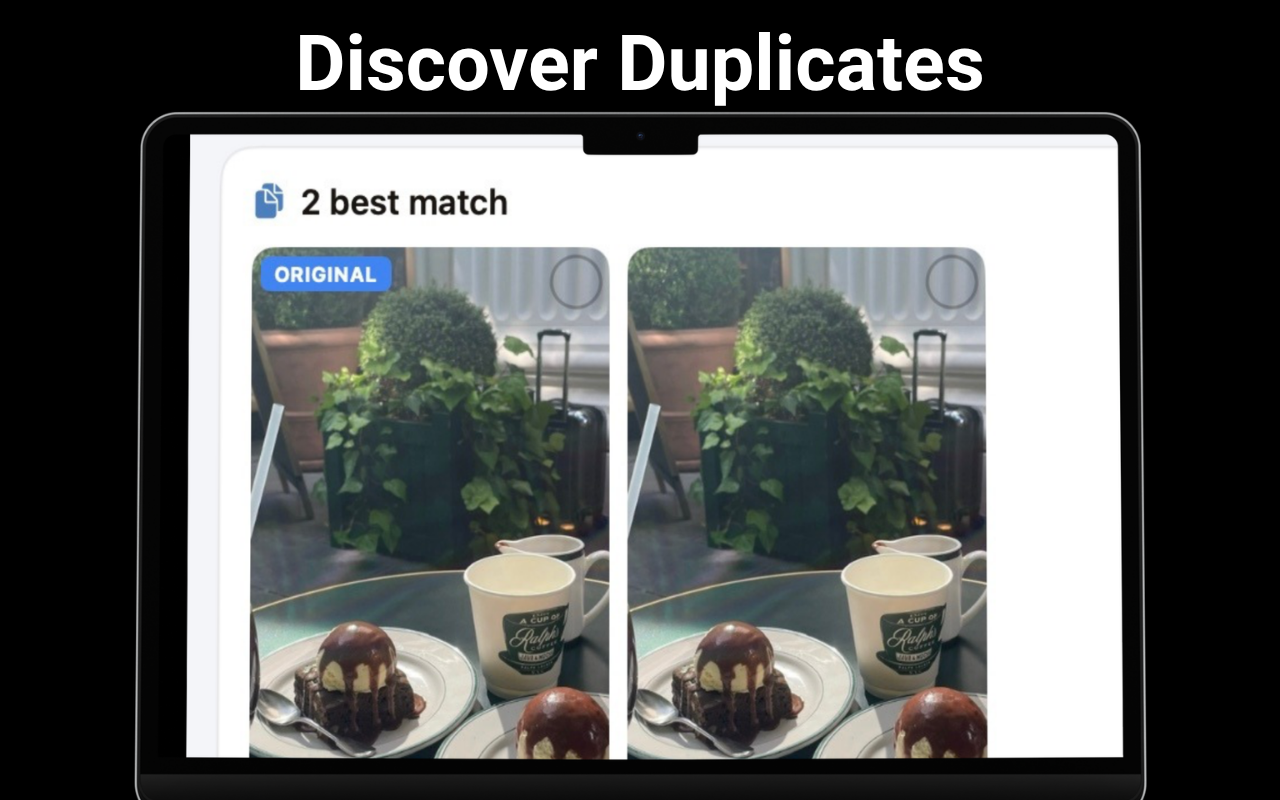
Exact copies by content, plus visually similar photos via perceptual analysis.
Ring chart, treemap, bar chart and activity heatmap of your storage.
Old DMG installers, PKG files, ZIP archives, images and videos.
The biggest files in folders you choose, and files untouched for months.
Xcode DerivedData, build artifacts, SPM and CocoaPods caches.
Folders with nothing in them, and files sharing a name but not content.
Every session logged — see the space you've reclaimed over time.
No data collected. No analytics, ads, tracking or account.
Practical walkthroughs for the storage problems every Mac eventually has.
Read your storage with the built-in tools, then go deeper with a visualizer.
Read guide →Content-based detection beats filename matching. Here's why and how.
Read guide →Burst shots and near-duplicates that exact-match tools miss.
Read guide →Old DMG and PKG installers are the quietest space hogs. Clear them safely.
Read guide →Reclaim tens of gigabytes of build artifacts without breaking your projects.
Read guide →Sort your disk by size and by last-touched date to find what to archive.
Read guide →Screenshots and screen recordings pile up in two places. Check both.
Read guide →A 30-minute cleanup routine when the installer says you don't have room.
Read guide →Free to download, no account, nothing collected. Premium unlocks unlimited cleanup — yearly or lifetime.
Download on the Mac App Store