Add a logo, signature, text or QR code to photos and videos on iPhone and iPad. Watermark a whole batch at once, tweak each photo individually, and protect your work with an invisible mark only you can verify.
A signature, a logo, a frame and date stamp, headline text, a scannable QR code, a pattern that covers the whole photo. Same editor, seven different marks — and you can stack them.
2026-08-17
Come and taste
Scan for today’s menu
2026-08-17
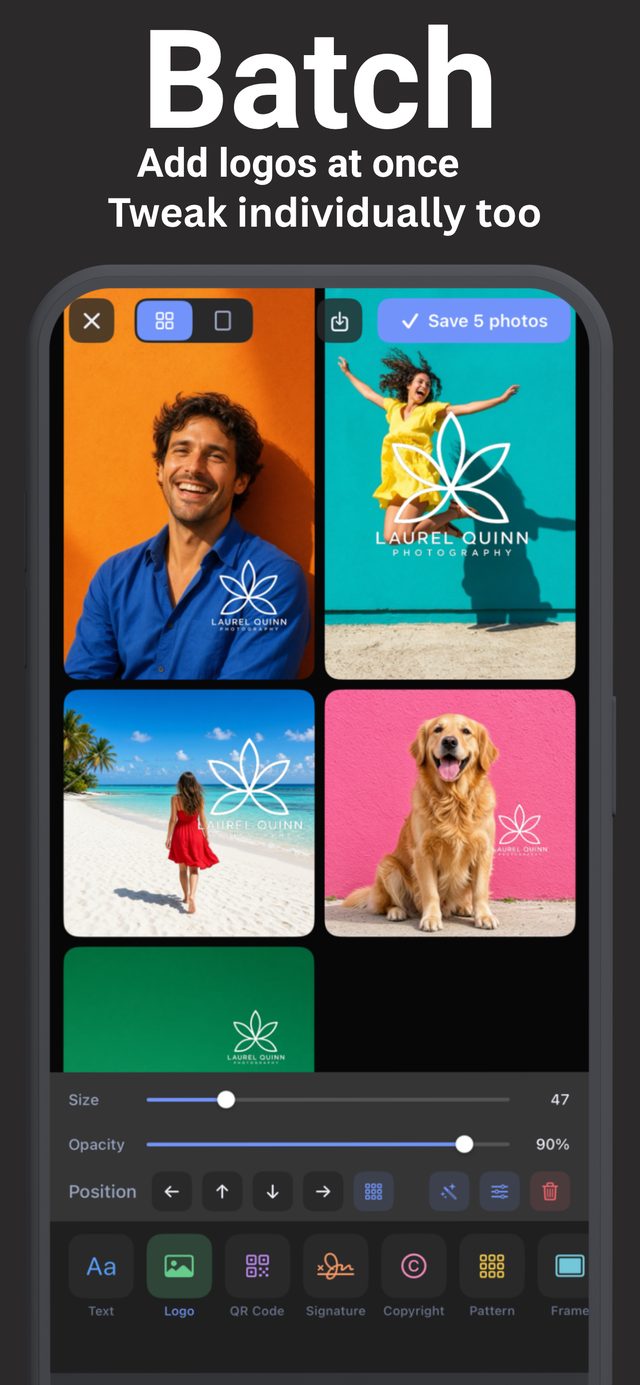
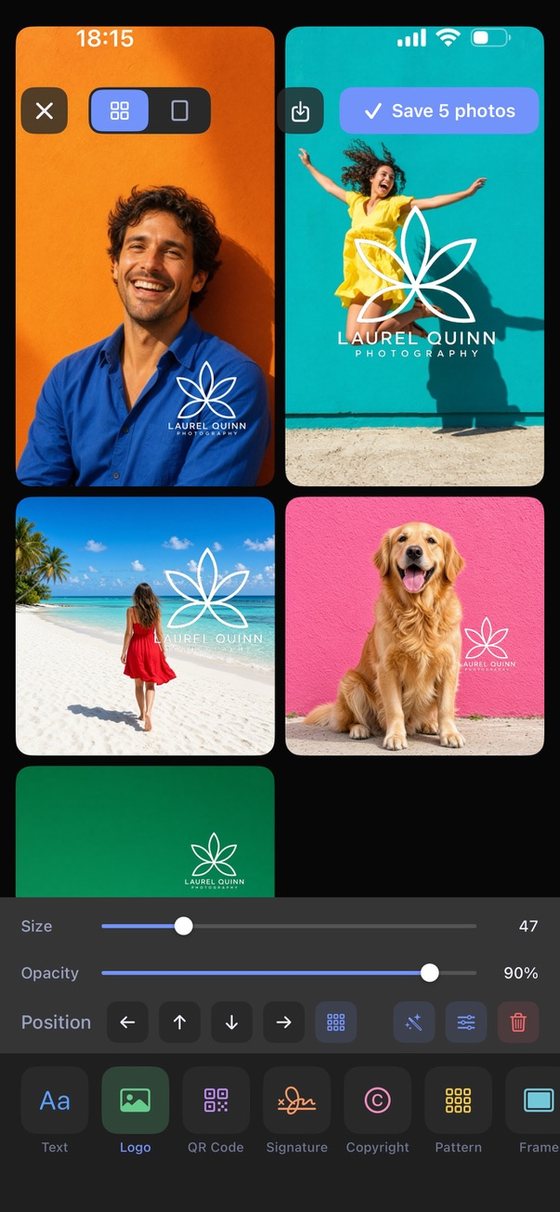
Select the photos, place your logo once, and it lands on all of them. Backgrounds change from photo to photo — so open any one of them and move or resize its watermark individually before you save the batch. Perfect for photographers sending client previews, sellers listing products, and agents publishing property photos.
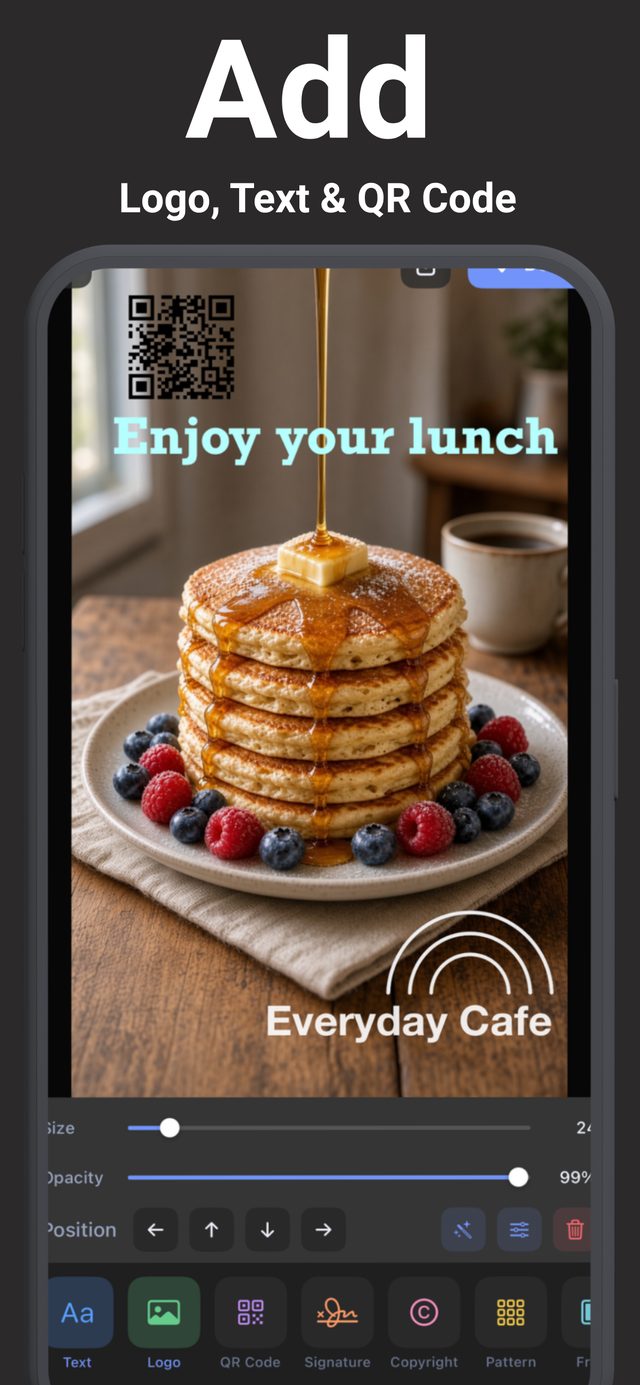
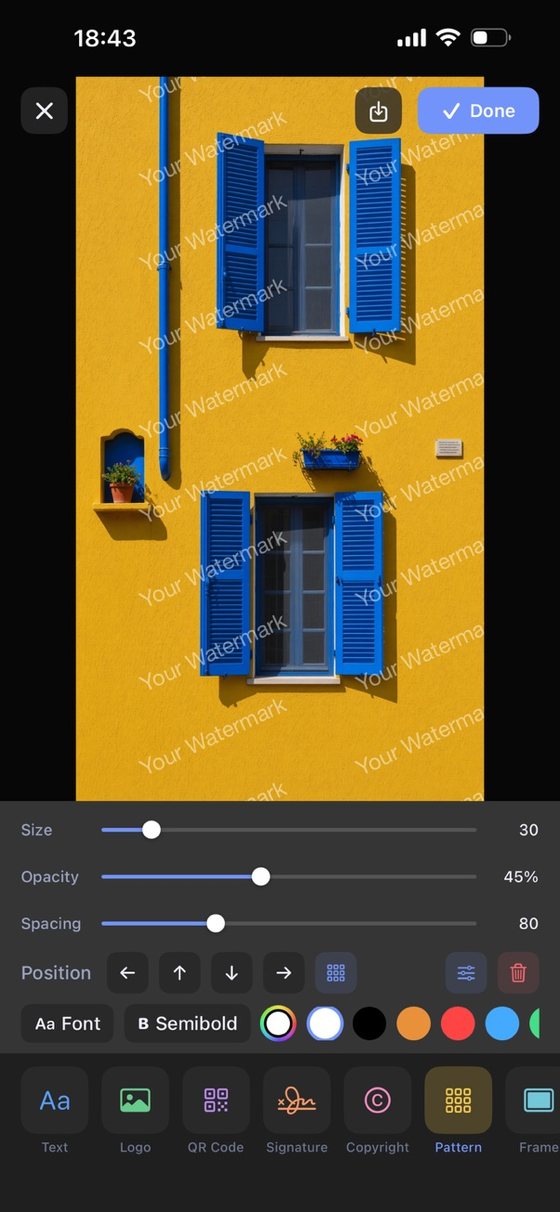
Text, logo, QR code, signature, copyright, pattern and frame all sit in the same bar along the bottom. Size, opacity and position are sliders you can see moving, so you always know what you're changing. Switch tools without leaving the photo.
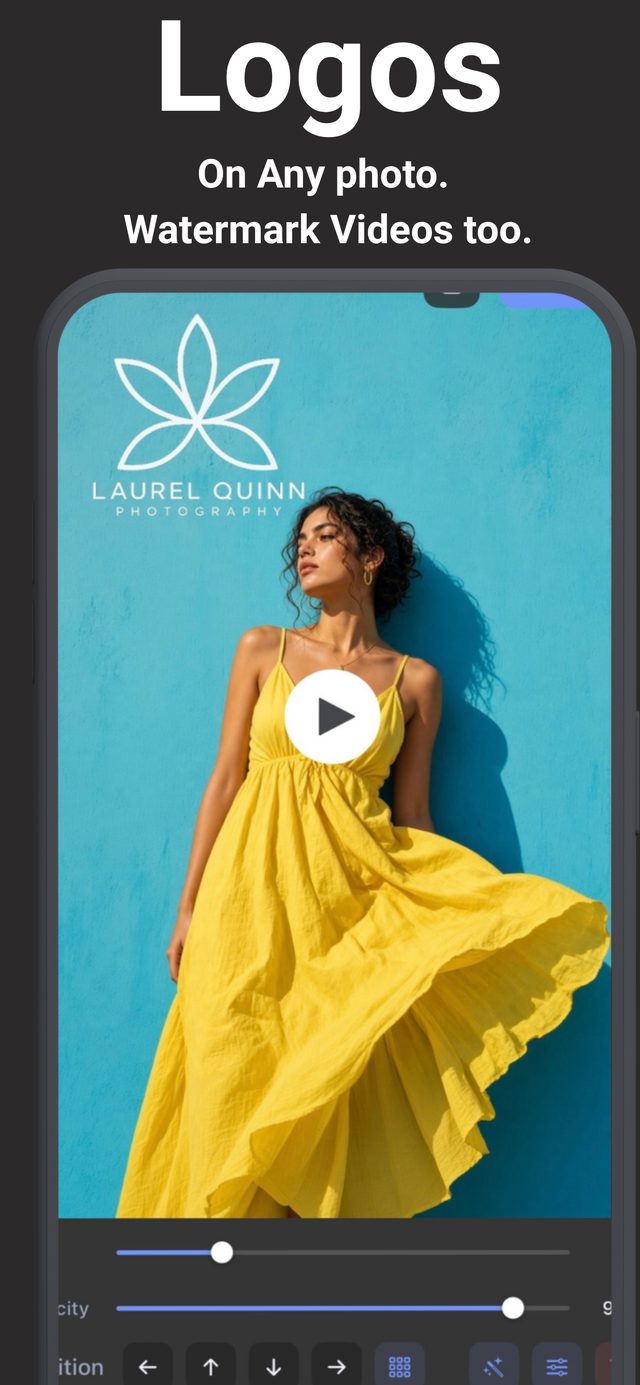
Import your logo as a PNG and it keeps its transparency. Slide the opacity down for a subtle mark or keep it bold for social posts. Your logos stay saved in the app, so the next photo takes seconds.
Any words, any font, any color — including two-color gradient text.
Import your logo with transparency and reuse it on every photo.
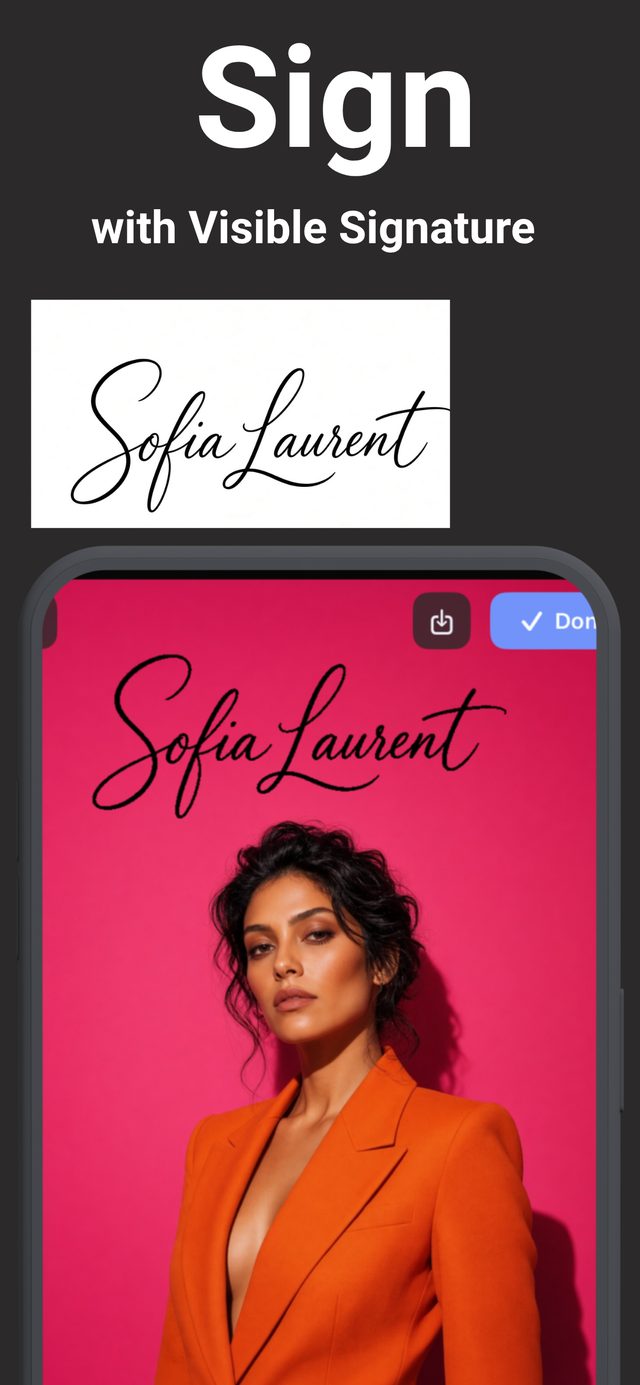
Draw it with your finger or import it. Saved to your library for one-tap reuse.
Mark many photos at once, then adjust any single photo before saving.
Put your logo or text on videos, not just photos.
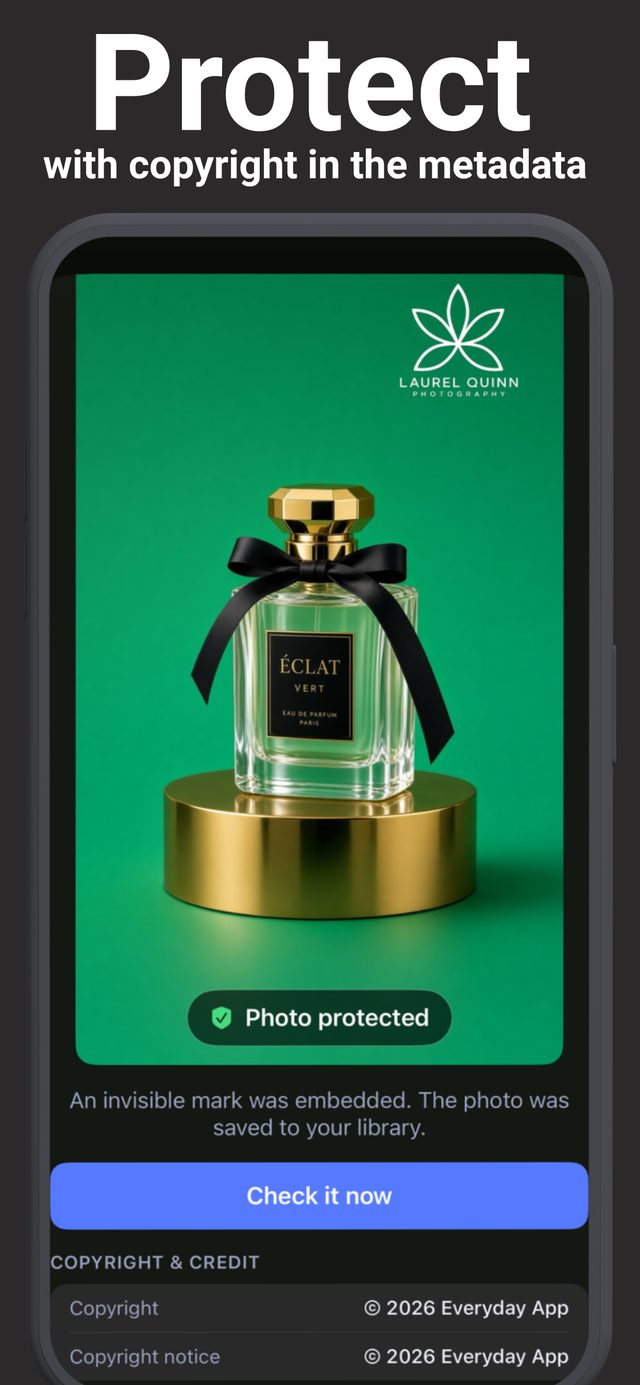
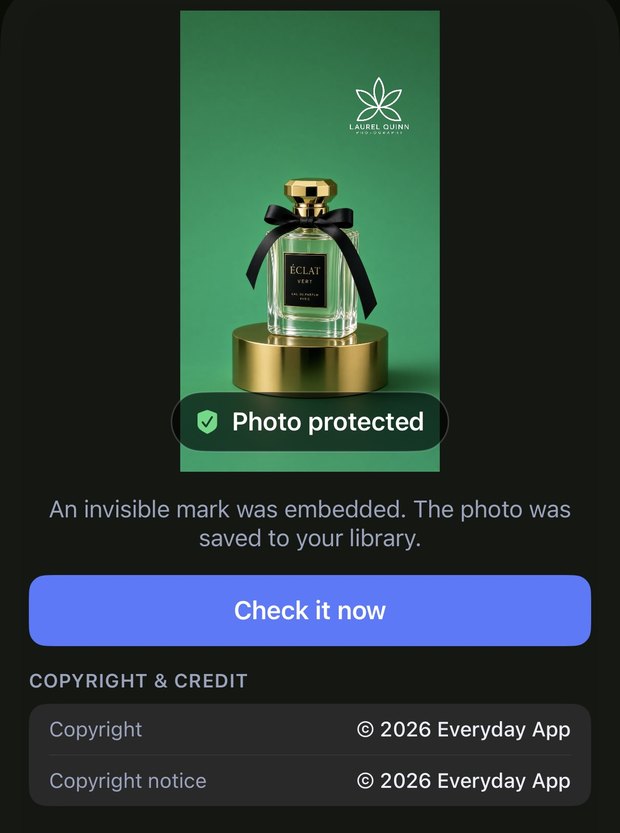
A hidden mark woven into the photo that you can verify later — it survives re-saving and sharing.
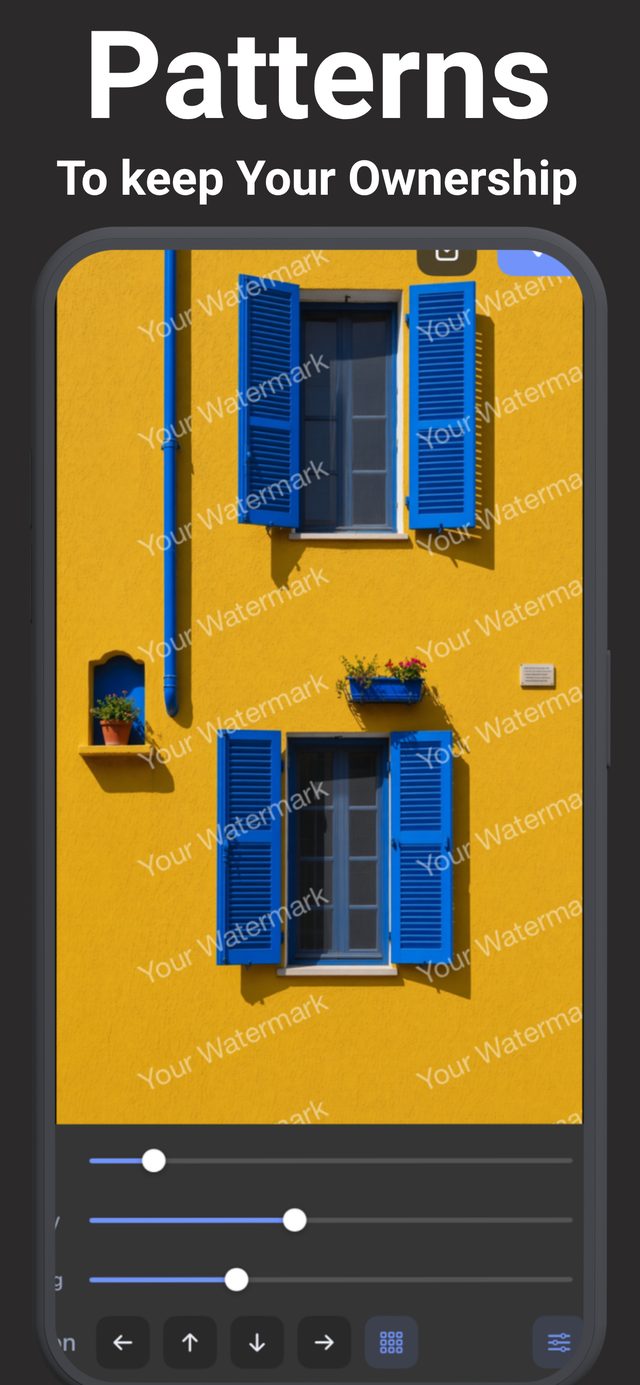
Tile your name across the whole photo, or add a clean frame around it.
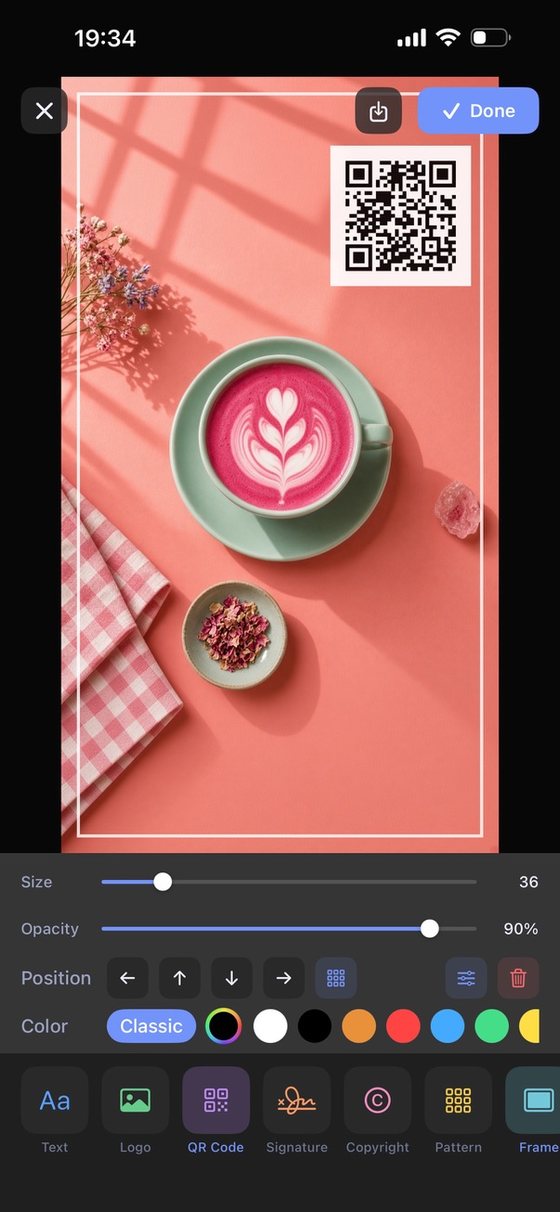
Generate a QR code from any text or link, and stamp photos with the date.
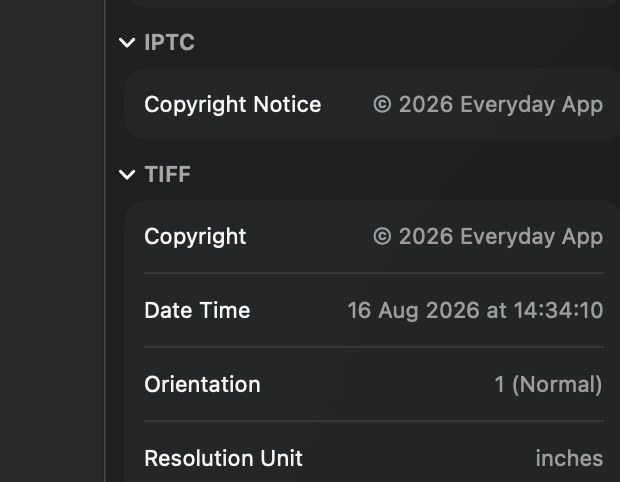
A visible mark can be cropped off. This one can’t: an invisible mark is woven into the picture itself, and your copyright is saved inside the photo — so both travel with it wherever it goes.
Practical walkthroughs, grouped by what you're trying to protect.
The complete walkthrough — text, logo or signature, positioned and saved in under a minute.
Read guide →Batch watermark a whole shoot, then fine-tune individual photos before export.
Read guide →Import a transparent PNG once and brand every photo you post after that.
Read guide →Draw it, save it, and sign your photos like an artist signs a print.
Read guide →Put your logo or name on videos before they go on social media.
Read guide →Prove a photo is yours without putting anything visible on it.
Read guide →Turn any link into a QR code and place it on flyers, menus and posts.
Read guide →Brand a full listing's photos with your agency logo in one pass.
Read guide →Your logo, your signature, your protection — on every photo and video you share. Free to download, with a 3-day free trial for Pro.
Download on the App Store