How to protect photos with an invisible watermark
Sometimes you can't put a logo on a photo — a client delivery, a print file, a portfolio piece. An invisible watermark hides your mark inside the image itself, so the photo looks untouched but you can prove it's yours later.
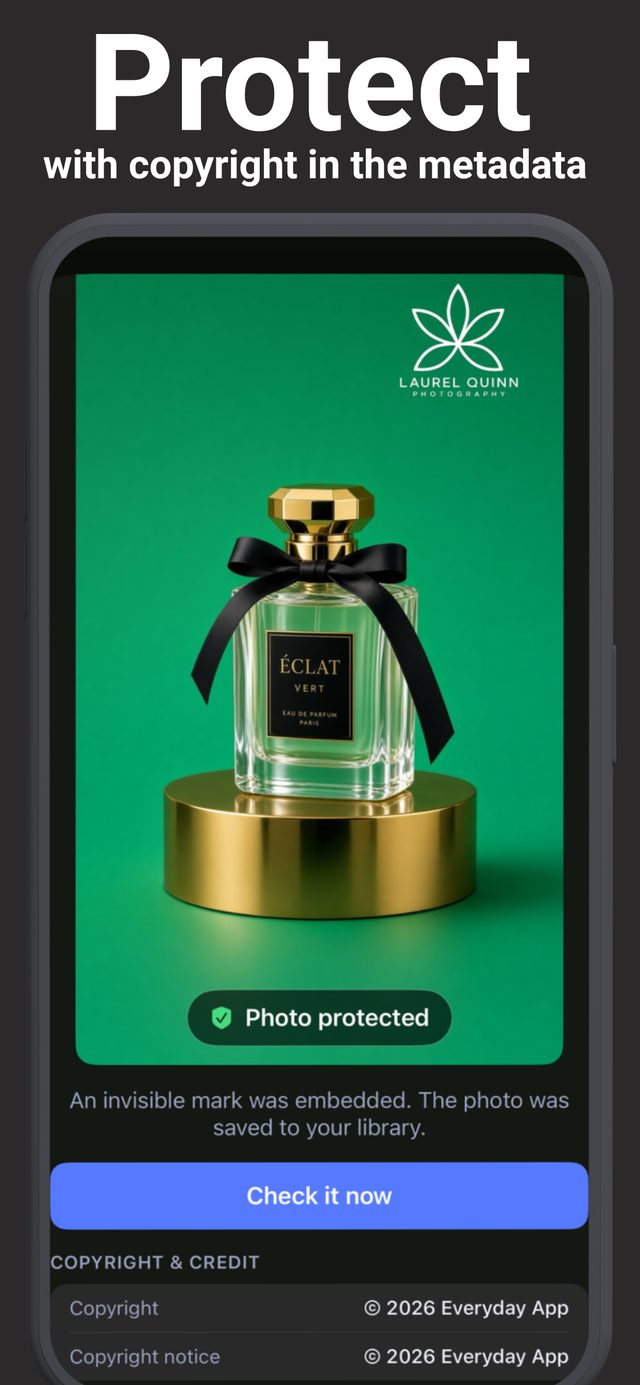
What an invisible watermark actually is
A visible watermark sits on the photo; an invisible one is woven into it. The app makes tiny adjustments to the image that your eye can't see, forming a hidden pattern that identifies you. Later, the app can scan any photo and tell you whether your pattern is inside it.
Crucially, the mark in Watermark & Signature Creator is built to survive real-world sharing — it's still detectable after the photo has been re-saved or compressed, which is exactly what happens when images pass through messaging apps and social platforms.
Step by step
- Open the Protect tool and choose the photo you want to secure.
- Embed the mark. The app weaves the invisible mark into the image and saves a protected copy to your library. Your copyright details are written into the photo file at the same time.
- Use the photo normally. It looks pixel-for-pixel like the original to anyone viewing it.
- Verify when you need to. Found your photo on someone else's page? Save it and run the app's check — it confirms whether your hidden mark is present.
Visible or invisible — which do you need?
Visible watermarks (logo, signature, text) deter theft before it happens and build your brand. Invisible marks don't deter anyone — but they give you proof after the fact without touching how the photo looks. For valuable work, use both: a subtle visible mark plus the hidden one underneath.
Who uses this?
Photographers delivering final files that clients will print. Designers sharing portfolio pieces. Sellers whose product shots keep getting lifted by copycat listings. Anyone who's ever thought "I'm sure that's my photo" and had no way to prove it.
Try it on your own photos
Watermark & Signature Creator is free to download on iPhone and iPad, with a 3-day free trial for Pro. Everything runs on your device — photos are never uploaded.