How to add a watermark to a video on iPhone
Videos get re-shared faster and further than photos — usually without credit. Putting your logo or name on the video itself means your brand travels with it, wherever it ends up.
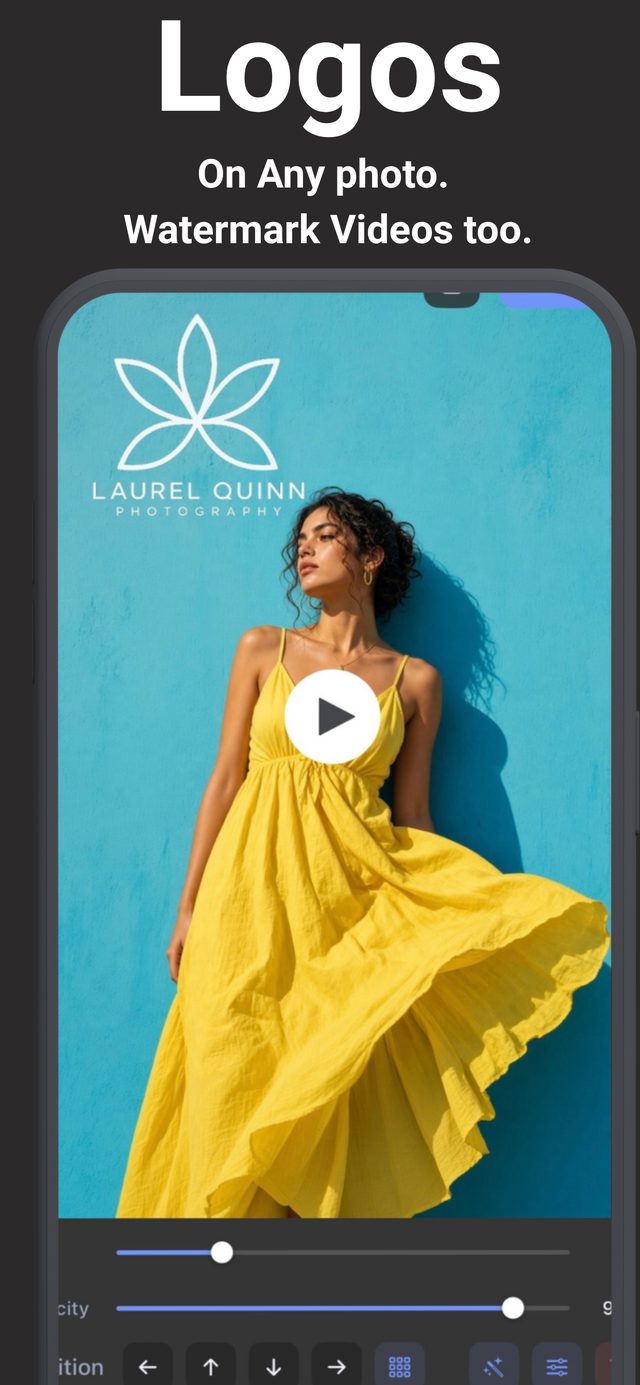
Why watermark video at all?
When a clip is downloaded and re-uploaded, every caption, handle and credit is stripped — only what's burned into the pixels survives. A watermark is the one credit that can't be separated from the video. For creators, it also works as free advertising: every re-share carries your name to a new audience.
Step by step
- Choose a video. Open Watermark & Signature Creator and pick a video from your library — the editor works the same way it does for photos.
- Add your watermark. Logo, text or signature — the full toolbar is available. Your saved logos and signatures work here too, so a branded video takes seconds.
- Position it thoughtfully. Avoid the center (it distracts for the whole duration) and the very edges (some platforms crop them). A corner, slightly inset, survives every platform's cropping.
- Check it over motion. Unlike a photo, the background changes constantly. Preview the video and confirm your mark stays readable in the busiest moments — if not, nudge the opacity up.
- Save. The app renders the watermark into the video and exports it in high quality, ready for any platform.
Photos and videos, same brand
Because the same saved logos and signatures apply to both photos and videos, your feed stays visually consistent — the mark on your product photos is pixel-identical to the one on your reels.
Try it on your own photos
Watermark & Signature Creator is free to download on iPhone and iPad, with a 3-day free trial for Pro. Everything runs on your device — photos are never uploaded.