 Quick QR
Wi-Fi QR Codes for Airbnb & Rentals
Every host knows the first message: "Hi! What's the wifi password?" A framed QR code by the router ends that thread forever — and quietly upgrades your reviews.
The quick answer
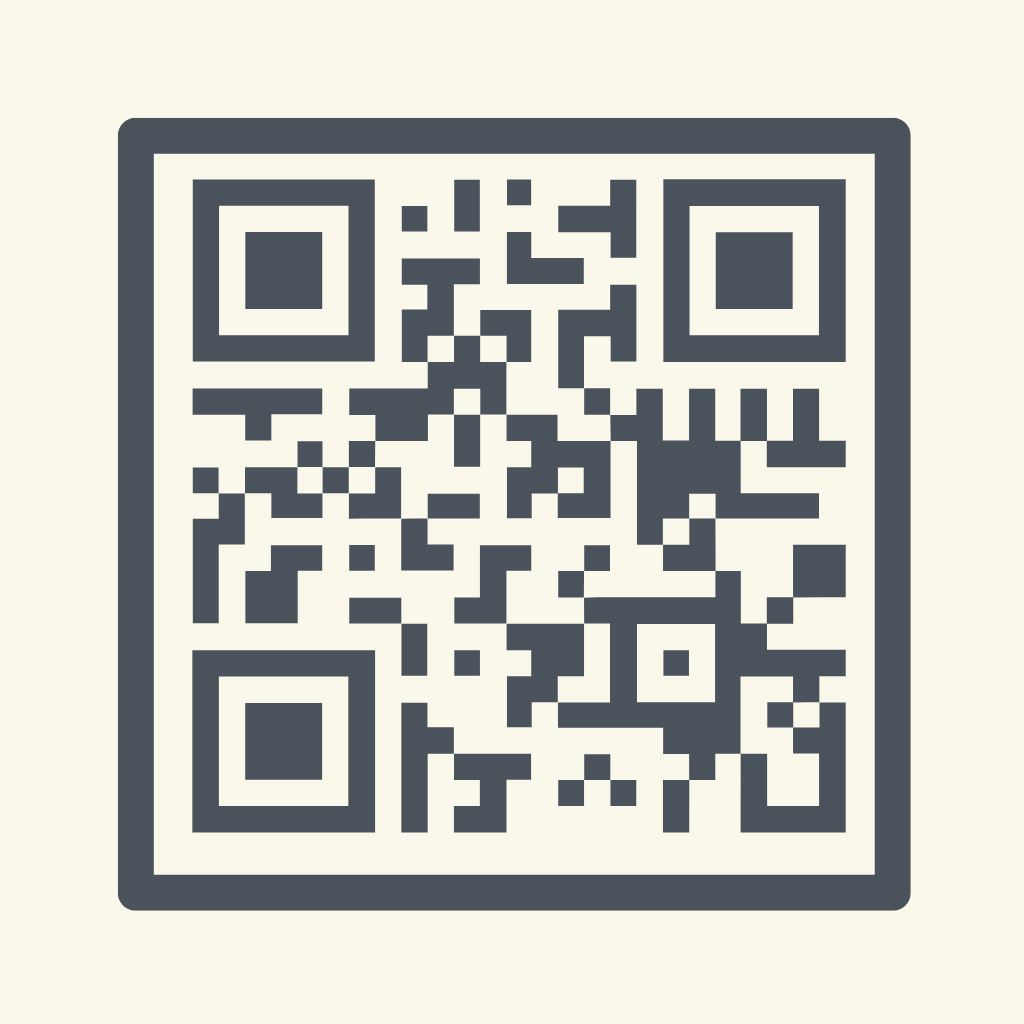
Make a Wi-Fi QR code with your rental's network credentials, drop it into a designed sign template, print two copies — one by the entrance, one in the welcome book — and guests connect the moment they arrive, no messages sent.
Step-by-step: the host setup
- Create the code: Quick QR → Wi-Fi → enter the rental's network name and password.
- Make it look intentional. Use a Card Message or Poster template with a "Scan for Wi-Fi" label — matching your place's style beats a handwritten sticky note.
- Print two or three: entryway, living room, welcome book page. Guests should never have to hunt.
- Test it like a guest: phone in hand, walking in the door, bags in the other hand. One scan, connected.
Why this shows up in reviews
Wi-Fi friction is the first experience guests have of your place — before the view, before the coffee machine. Removing it entirely reads as "thoughtful host." It also removes the 11 pm "wifi isn't working, what's the password again" message from your life.
While the printer's warm
The same template flow makes matching signs for your house manual: a URL code to your local guide, a contact code with your number for emergencies. Two or three matching cards make the whole welcome book feel designed. Ideas in the small business guide apply to hosts almost one-for-one.
Make it in minutes with Quick QR
QR codes for Wi-Fi, links and contacts — dropped into print-ready templates with your colors and logo. Free to start, works offline.
Download Free on the App Store